
Course Features
Price
Study Method
Online | Self-paced
Course Format
Reading Material - PDF, article
Duration
15 minutes
Qualification
No formal qualification
Certificate
At completion
Additional info
Coming soon
- Share
Overview
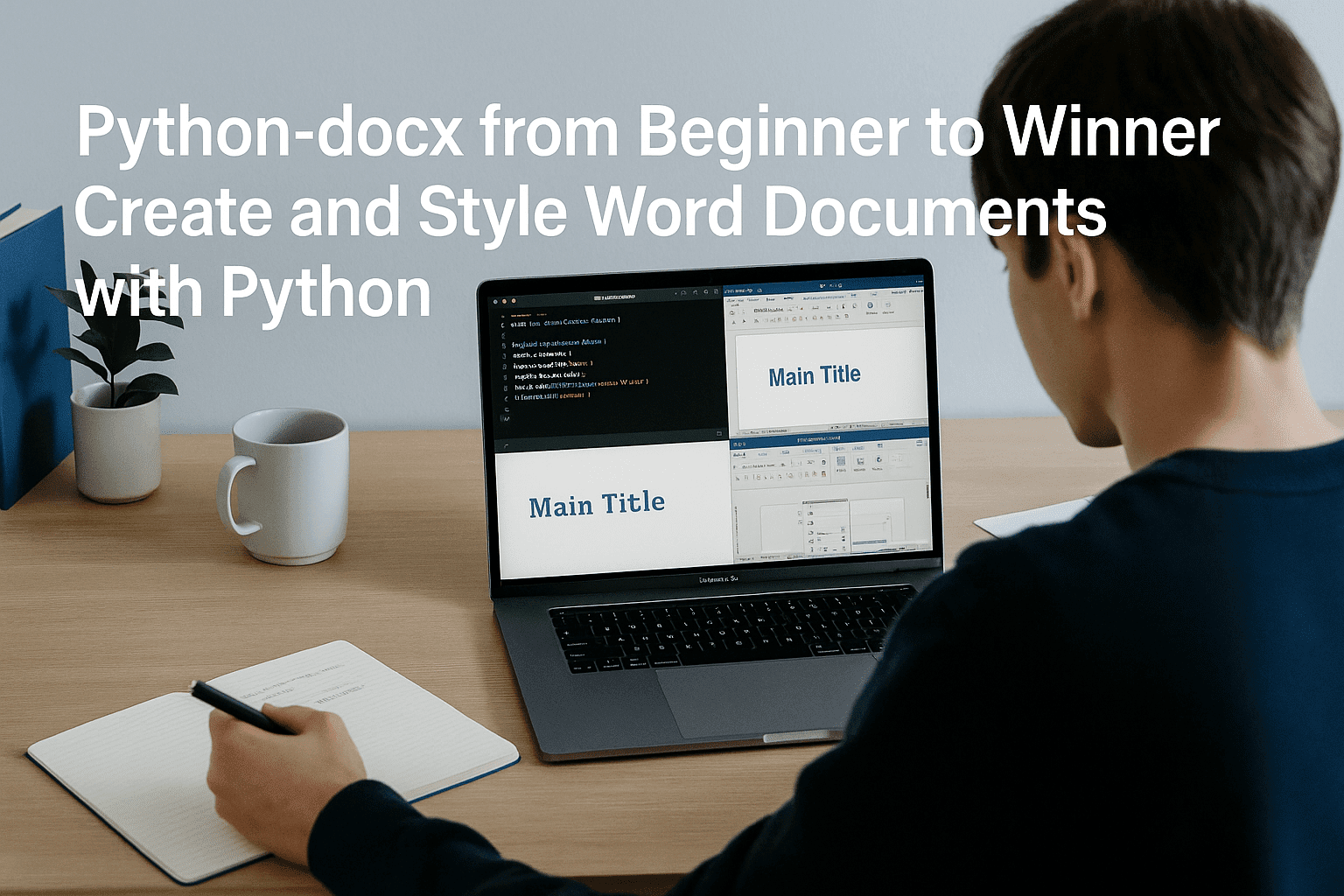
Python docx tutorial skills are becoming increasingly valuable as organisations rely on automated document creation to save time, reduce manual work and maintain consistent formatting across reports, forms and templates. This course gives learners a clear, practical and confidence-building introduction to creating and styling Word documents using Python, even if they have never automated documents before. With a structured approach, the course takes you from the very first “Hello World” document to producing polished, professional Word files that reflect real workplace standards.
You will begin by learning how the python-docx library works, how to create a new document and how to build the basic structure required for clean, well-organised output. As you progress, you’ll learn how to add headings, apply text styling, adjust fonts, set alignment and work with colours to produce documents that look both modern and consistent. Each lesson focuses on a specific skill so you can build your expertise step by step without overwhelm.
Rather than simply demonstrating individual functions, the course highlights practical use cases—such as generating branded reports, automating routine forms, and producing template-driven documents for clients or internal teams. You will gain an understanding of both the technical tools and the design choices that help your documents appear polished and readable. Throughout the course, clarity, structure and real-world relevance remain the core focus.
By the end, you will be able to create and style Word documents programmatically, giving you a valuable skill that employers appreciate across IT, administration, data management and digital content roles. All learners receive a free course completion certificate, with optional premium certificates and official transcripts available for purchase. You will also enjoy 5-star rated email support, available 24/7, ensuring you can progress confidently at every stage.
Who is this course for?
Python docx tutorial skills are becoming increasingly valuable as organisations rely on automated document creation to save time, reduce manual work and maintain consistent formatting across reports, forms and templates. This course gives learners a clear, practical and confidence-building introduction to creating and styling Word documents using Python, even if they have never automated documents before. With a structured approach, the course takes you from the very first “Hello World” document to producing polished, professional Word files that reflect real workplace standards.
You will begin by learning how the python-docx library works, how to create a new document and how to build the basic structure required for clean, well-organised output. As you progress, you’ll learn how to add headings, apply text styling, adjust fonts, set alignment and work with colours to produce documents that look both modern and consistent. Each lesson focuses on a specific skill so you can build your expertise step by step without overwhelm.
Rather than simply demonstrating individual functions, the course highlights practical use cases—such as generating branded reports, automating routine forms, and producing template-driven documents for clients or internal teams. You will gain an understanding of both the technical tools and the design choices that help your documents appear polished and readable. Throughout the course, clarity, structure and real-world relevance remain the core focus.
By the end, you will be able to create and style Word documents programmatically, giving you a valuable skill that employers appreciate across IT, administration, data management and digital content roles. All learners receive a free course completion certificate, with optional premium certificates and official transcripts available for purchase. You will also enjoy 5-star rated email support, available 24/7, ensuring you can progress confidently at every stage.
Requirements
Python docx tutorial skills are becoming increasingly valuable as organisations rely on automated document creation to save time, reduce manual work and maintain consistent formatting across reports, forms and templates. This course gives learners a clear, practical and confidence-building introduction to creating and styling Word documents using Python, even if they have never automated documents before. With a structured approach, the course takes you from the very first “Hello World” document to producing polished, professional Word files that reflect real workplace standards.
You will begin by learning how the python-docx library works, how to create a new document and how to build the basic structure required for clean, well-organised output. As you progress, you’ll learn how to add headings, apply text styling, adjust fonts, set alignment and work with colours to produce documents that look both modern and consistent. Each lesson focuses on a specific skill so you can build your expertise step by step without overwhelm.
Rather than simply demonstrating individual functions, the course highlights practical use cases—such as generating branded reports, automating routine forms, and producing template-driven documents for clients or internal teams. You will gain an understanding of both the technical tools and the design choices that help your documents appear polished and readable. Throughout the course, clarity, structure and real-world relevance remain the core focus.
By the end, you will be able to create and style Word documents programmatically, giving you a valuable skill that employers appreciate across IT, administration, data management and digital content roles. All learners receive a free course completion certificate, with optional premium certificates and official transcripts available for purchase. You will also enjoy 5-star rated email support, available 24/7, ensuring you can progress confidently at every stage.
Career path
Python docx tutorial skills are becoming increasingly valuable as organisations rely on automated document creation to save time, reduce manual work and maintain consistent formatting across reports, forms and templates. This course gives learners a clear, practical and confidence-building introduction to creating and styling Word documents using Python, even if they have never automated documents before. With a structured approach, the course takes you from the very first “Hello World” document to producing polished, professional Word files that reflect real workplace standards.
You will begin by learning how the python-docx library works, how to create a new document and how to build the basic structure required for clean, well-organised output. As you progress, you’ll learn how to add headings, apply text styling, adjust fonts, set alignment and work with colours to produce documents that look both modern and consistent. Each lesson focuses on a specific skill so you can build your expertise step by step without overwhelm.
Rather than simply demonstrating individual functions, the course highlights practical use cases—such as generating branded reports, automating routine forms, and producing template-driven documents for clients or internal teams. You will gain an understanding of both the technical tools and the design choices that help your documents appear polished and readable. Throughout the course, clarity, structure and real-world relevance remain the core focus.
By the end, you will be able to create and style Word documents programmatically, giving you a valuable skill that employers appreciate across IT, administration, data management and digital content roles. All learners receive a free course completion certificate, with optional premium certificates and official transcripts available for purchase. You will also enjoy 5-star rated email support, available 24/7, ensuring you can progress confidently at every stage.
-
-
- Premium Certificate 00:15:00

No Reviews found for this course.
Is this certificate recognized?
Yes, our premium certificate and transcript are widely recognized and accepted by embassies worldwide, particularly by the UK embassy. This adds credibility to your qualification and enhances its value for professional and academic purposes.
I am a beginner. Is this course suitable for me?
Yes, this course is designed for learners of all levels, including beginners. The content is structured to provide step-by-step guidance, ensuring that even those with no prior experience can follow along and gain valuable knowledge.
I am a professional. Is this course suitable for me?
Yes, professionals will also benefit from this course. It covers advanced concepts, practical applications, and industry insights that can help enhance existing skills and knowledge. Whether you are looking to refine your expertise or expand your qualifications, this course provides valuable learning.
Does this course have an expiry date?
No, you have lifetime access to the course. Once enrolled, you can revisit the materials at any time as long as the course remains available. Additionally, we regularly update our content to ensure it stays relevant and up to date.
How do I claim my free certificate?
I trust you’re in good health. Your free certificate can be located in the Achievement section. The option to purchase a CPD certificate is available but entirely optional, and you may choose to skip it. Please be aware that it’s crucial to click the “Complete” button to ensure the certificate is generated, as this process is entirely automated.
Does this course have assessments and assignments?
Yes, the course includes both assessments and assignments. Your final marks will be determined by a combination of 20% from assignments and 80% from assessments. These evaluations are designed to test your understanding and ensure you have grasped the key concepts effectively.
Is this course accredited?
We are a recognized course provider with CPD, UKRLP, and AOHT membership. The logos of these accreditation bodies will be featured on your premium certificate and transcript, ensuring credibility and professional recognition.
Will I receive a certificate upon completion?
Yes, you will receive a free digital certificate automatically once you complete the course. If you would like a premium CPD-accredited certificate, either in digital or physical format, you can upgrade for a small fee.
Course Features
Price
Study Method
Online | Self-paced
Course Format
Reading Material - PDF, article
Duration
15 minutes
Qualification
No formal qualification
Certificate
At completion
Additional info
Coming soon
- Share

Make Your Money Work for You
Course Line237د.ك199.98Original price was: د.ك199.98.د.ك6.12Current price is: د.ك6.12.Neuroscience Level 3 Advanced Diploma
Course Line251د.ك199.98Original price was: د.ك199.98.د.ك6.12Current price is: د.ك6.12.Sustainable Beekeeping 101: Start, Manage, and Monetize Your Hive from Scratch
Course Line241د.ك199.98Original price was: د.ك199.98.د.ك6.12Current price is: د.ك6.12.


Related Courses
Hotel Reception Skills: Professional Communication, Customer Service & Front Desk Operations
د.ك199.98Original price was: د.ك199.98.د.ك6.12Current price is: د.ك6.12.237Hotel Budgeting and Cash Management: A Complete Guide for Hospitality Professionals
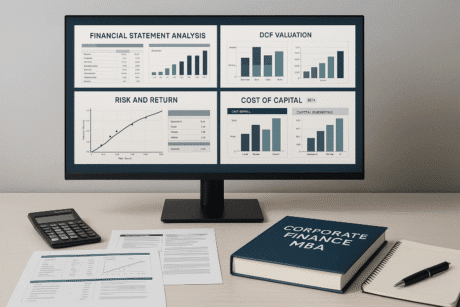
د.ك199.98Original price was: د.ك199.98.د.ك6.12Current price is: د.ك6.12.237Corporate Finance MBA Course: Financial Analysis, Valuation & Capital Decisions
د.ك199.98Original price was: د.ك199.98.د.ك6.12Current price is: د.ك6.12.237

Related Courses
Hotel Reception Skills: Professional Communication, Customer Service & Front Desk Operations
د.ك199.98Original price was: د.ك199.98.د.ك6.12Current price is: د.ك6.12.237Hotel Budgeting and Cash Management: A Complete Guide for Hospitality Professionals
د.ك199.98Original price was: د.ك199.98.د.ك6.12Current price is: د.ك6.12.237Corporate Finance MBA Course: Financial Analysis, Valuation & Capital Decisions
د.ك199.98Original price was: د.ك199.98.د.ك6.12Current price is: د.ك6.12.237

