
Course Features
Price
Study Method
Online | Self-paced
Course Format
Interactive PDFs, Articles & Learning Resources
Duration
15 hours, 55 minutes
Qualification
Professional Skills Development Course
Assessment
Final MCQ Exam (included in price)
Certificate
Verifiable Digital Certificate - Free
Additional info
Lifetime Access | Start Instantly
- Share
Overview
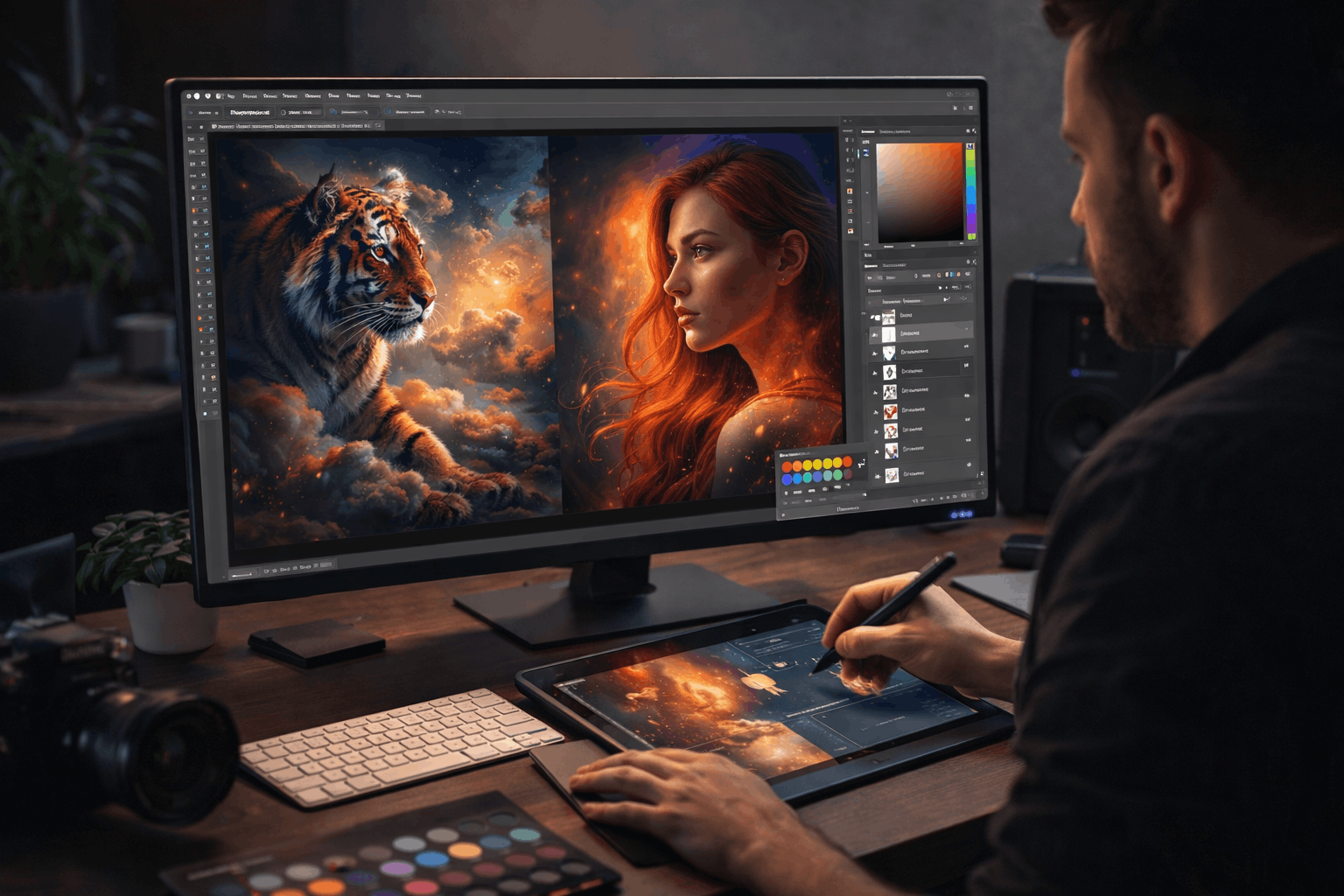
Photoshop CC Masterclass is a complete professional training programme designed to take you from beginner level to advanced digital artist using Adobe Photoshop CC. This course is built for learners who want more than just basic photo editing. It gives you the creative, technical and workflow skills used by designers, photographers and digital artists across the global creative industry.
You will learn how to confidently navigate Photoshop’s interface, manage files and use professional tools for image creation, enhancement and design. As your skills grow, you will explore layers, blending modes and transformation tools that allow you to build complex compositions. Digital painting, custom brushes and advanced colour control will help you bring your creative ideas to life with precision and style.
The course also develops your ability to work non-destructively using selections, masks and smart objects. You will learn how to edit and manipulate images without damaging the original artwork, giving you professional flexibility and creative control. Advanced adjustment layers, retouching tools and content-aware features will allow you to enhance portraits, fix imperfections and create visually striking results.
Beyond static images, you will also gain skills in typography, mockups and motion graphics, including animated GIFs and basic video editing. These capabilities make you highly versatile for freelance, agency and online content creation work. You will finish with export, optimisation and print-ready workflows, ensuring your projects are ready for real-world use.
Every learner who completes the Photoshop CC Masterclass receives a free course completion certificate. For those who want to further strengthen their CV or portfolio, multiple premium certificate and official transcript options are available for purchase. You will also benefit from 5-star rated student support available 24/7 through email, giving you reliable help whenever you need it during your learning journey.
This course is ideal for beginners, photographers, content creators, designers, marketers and freelancers who want to master Photoshop. It also suits students and professionals who wish to upgrade their creative and technical skills for digital media, branding, advertising or online business projects.
Who is this course for?
Photoshop CC Masterclass is a complete professional training programme designed to take you from beginner level to advanced digital artist using Adobe Photoshop CC. This course is built for learners who want more than just basic photo editing. It gives you the creative, technical and workflow skills used by designers, photographers and digital artists across the global creative industry.
You will learn how to confidently navigate Photoshop’s interface, manage files and use professional tools for image creation, enhancement and design. As your skills grow, you will explore layers, blending modes and transformation tools that allow you to build complex compositions. Digital painting, custom brushes and advanced colour control will help you bring your creative ideas to life with precision and style.
The course also develops your ability to work non-destructively using selections, masks and smart objects. You will learn how to edit and manipulate images without damaging the original artwork, giving you professional flexibility and creative control. Advanced adjustment layers, retouching tools and content-aware features will allow you to enhance portraits, fix imperfections and create visually striking results.
Beyond static images, you will also gain skills in typography, mockups and motion graphics, including animated GIFs and basic video editing. These capabilities make you highly versatile for freelance, agency and online content creation work. You will finish with export, optimisation and print-ready workflows, ensuring your projects are ready for real-world use.
Every learner who completes the Photoshop CC Masterclass receives a free course completion certificate. For those who want to further strengthen their CV or portfolio, multiple premium certificate and official transcript options are available for purchase. You will also benefit from 5-star rated student support available 24/7 through email, giving you reliable help whenever you need it during your learning journey.
This course is ideal for beginners, photographers, content creators, designers, marketers and freelancers who want to master Photoshop. It also suits students and professionals who wish to upgrade their creative and technical skills for digital media, branding, advertising or online business projects.
Requirements
Photoshop CC Masterclass is a complete professional training programme designed to take you from beginner level to advanced digital artist using Adobe Photoshop CC. This course is built for learners who want more than just basic photo editing. It gives you the creative, technical and workflow skills used by designers, photographers and digital artists across the global creative industry.
You will learn how to confidently navigate Photoshop’s interface, manage files and use professional tools for image creation, enhancement and design. As your skills grow, you will explore layers, blending modes and transformation tools that allow you to build complex compositions. Digital painting, custom brushes and advanced colour control will help you bring your creative ideas to life with precision and style.
The course also develops your ability to work non-destructively using selections, masks and smart objects. You will learn how to edit and manipulate images without damaging the original artwork, giving you professional flexibility and creative control. Advanced adjustment layers, retouching tools and content-aware features will allow you to enhance portraits, fix imperfections and create visually striking results.
Beyond static images, you will also gain skills in typography, mockups and motion graphics, including animated GIFs and basic video editing. These capabilities make you highly versatile for freelance, agency and online content creation work. You will finish with export, optimisation and print-ready workflows, ensuring your projects are ready for real-world use.
Every learner who completes the Photoshop CC Masterclass receives a free course completion certificate. For those who want to further strengthen their CV or portfolio, multiple premium certificate and official transcript options are available for purchase. You will also benefit from 5-star rated student support available 24/7 through email, giving you reliable help whenever you need it during your learning journey.
This course is ideal for beginners, photographers, content creators, designers, marketers and freelancers who want to master Photoshop. It also suits students and professionals who wish to upgrade their creative and technical skills for digital media, branding, advertising or online business projects.
Career path
Photoshop CC Masterclass is a complete professional training programme designed to take you from beginner level to advanced digital artist using Adobe Photoshop CC. This course is built for learners who want more than just basic photo editing. It gives you the creative, technical and workflow skills used by designers, photographers and digital artists across the global creative industry.
You will learn how to confidently navigate Photoshop’s interface, manage files and use professional tools for image creation, enhancement and design. As your skills grow, you will explore layers, blending modes and transformation tools that allow you to build complex compositions. Digital painting, custom brushes and advanced colour control will help you bring your creative ideas to life with precision and style.
The course also develops your ability to work non-destructively using selections, masks and smart objects. You will learn how to edit and manipulate images without damaging the original artwork, giving you professional flexibility and creative control. Advanced adjustment layers, retouching tools and content-aware features will allow you to enhance portraits, fix imperfections and create visually striking results.
Beyond static images, you will also gain skills in typography, mockups and motion graphics, including animated GIFs and basic video editing. These capabilities make you highly versatile for freelance, agency and online content creation work. You will finish with export, optimisation and print-ready workflows, ensuring your projects are ready for real-world use.
Every learner who completes the Photoshop CC Masterclass receives a free course completion certificate. For those who want to further strengthen their CV or portfolio, multiple premium certificate and official transcript options are available for purchase. You will also benefit from 5-star rated student support available 24/7 through email, giving you reliable help whenever you need it during your learning journey.
This course is ideal for beginners, photographers, content creators, designers, marketers and freelancers who want to master Photoshop. It also suits students and professionals who wish to upgrade their creative and technical skills for digital media, branding, advertising or online business projects.
-
- Welcome to the Photoshop MasterClass 00:10:00
- The Power of Photoshop in Digital Design 00:10:00
- Course Files, Resources & Learning Workflow 00:10:00
- Creating Photoshop Documents 00:10:00
- Understanding the Photoshop Workspace 00:10:00
- Navigating, Zooming & Panning 00:10:00
- Cropping Images Like a Pro 00:10:00
- Color Modes Explained 00:10:00
- Image Resolution & Image Enlargement 00:10:00
- Saving Files (PSD, JPEG, PNG, TIFF, PSB) 00:10:00
- Cloud Documents in Photoshop CC 00:10:00
- Closing & Managing Multiple Files 00:10:00
-
- Understanding Layers 00:10:00
- Using the Layers Panel 00:10:00
- Blend Modes for Creative Effects 00:10:00
- New Layers Navigation 00:10:00
- Layer Styles & Effects 00:10:00
- Transforming & Resizing Objects 00:10:00
- Modified warp transformation 00:10:00
- Puppet Warp in Photoshop. 00:10:00
- Perspective Warp in Photoshop. 00:10:00
- Align & Distribute Objects 00:10:00
- Guides, Grids, Rulers & Snapping 00:10:00
- Brush Tool & Color Panel 00:10:00
- Brush Presets & Brush Packs 00:10:00
- Creating Custom Brushes 00:10:00
- Brush Settings Explained 00:10:00
- Digital Painting Tools (Mixer & Color Replacement) 00:10:00
- Digital Painting Project 00:10:00
- Updated Presets & Brush Shortcuts 00:10:00
- Selection Basics (Part 1) 00:10:00
- Selection Basics (Part 2) 00:10:00
- Selection Tools (Part 1) 00:10:00
- Selection Tools (Part 2) 00:10:00
- Object Selection Tool 00:10:00
- Masking & Non-Destructive Editing 00:10:00
- Focus Range Selection 00:10:00
- Color Range Selection 00:10:00
- Soft Edge Selection Techniques 00:10:00
- Adjustment Layers Fundamentals 00:10:00
- Color Adjustments 00:10:00
- Exposure Adjustment 00:10:00
- Contrast & Tonal Adjustments 00:10:00
- Liquify Tool 00:10:00
- Spot Healing & Patch Tool 00:10:00
- Clone Stamp & Smudge 00:10:00
- Dodge, Burn & Sponge 00:10:00
- Content-Aware Fill (Pat 1) 00:10:00
- Content-Aware Fill (Pat 2) 00:10:00
- Content-Aware Scaling 00:10:00
- Content-Aware Move & Extend 00:10:00
- Creating Mockups with Vanishing Point 00:10:00
- Clone Stamp in Vanishing Point 00:10:00
- Font Selection & Filtering 00:10:00
- Character Panel 00:10:00
- Paragraph Panel 00:10:00
- Text Improvements 00:10:00
- Character & Paragraph Styles 00:10:00
- Creative Typography Design 00:10:00
- 3D Neon Text Effect 00:10:00
- Advanced Typography 00:10:00
- Text Warp & Type on a Path 00:10:00
- Preparing Files for Print & PDF 00:10:00
- Image Optimisation & Save for Web 00:10:00
- Importing from Devices 00:10:00
- Exam of Adobe Photoshop CC MasterClass: From Beginner to Advanced Digital Artist 00:50:00

No Reviews found for this course.
Is this certificate recognized?
Yes, our premium certificate and transcript are widely recognized and accepted by embassies worldwide, particularly by the UK embassy. This adds credibility to your qualification and enhances its value for professional and academic purposes.
I am a beginner. Is this course suitable for me?
Yes, this course is designed for learners of all levels, including beginners. The content is structured to provide step-by-step guidance, ensuring that even those with no prior experience can follow along and gain valuable knowledge.
I am a professional. Is this course suitable for me?
Yes, professionals will also benefit from this course. It covers advanced concepts, practical applications, and industry insights that can help enhance existing skills and knowledge. Whether you are looking to refine your expertise or expand your qualifications, this course provides valuable learning.
Does this course have an expiry date?
No, you have lifetime access to the course. Once enrolled, you can revisit the materials at any time as long as the course remains available. Additionally, we regularly update our content to ensure it stays relevant and up to date.
How do I claim my free certificate?
I trust you’re in good health. Your free certificate can be located in the Achievement section. The option to purchase a CPD certificate is available but entirely optional, and you may choose to skip it. Please be aware that it’s crucial to click the “Complete” button to ensure the certificate is generated, as this process is entirely automated.
Does this course have assessments and assignments?
Yes, the course includes both assessments and assignments. Your final marks will be determined by a combination of 20% from assignments and 80% from assessments. These evaluations are designed to test your understanding and ensure you have grasped the key concepts effectively.
Is this course accredited?
We are a recognized course provider with CPD, UKRLP, and AOHT membership. The logos of these accreditation bodies will be featured on your premium certificate and transcript, ensuring credibility and professional recognition.
Will I receive a certificate upon completion?
Yes, you will receive a free digital certificate automatically once you complete the course. If you would like a premium CPD-accredited certificate, either in digital or physical format, you can upgrade for a small fee.
Course Features
Price
Study Method
Online | Self-paced
Course Format
Interactive PDFs, Articles & Learning Resources
Duration
15 hours, 55 minutes
Qualification
Professional Skills Development Course
Assessment
Final MCQ Exam (included in price)
Certificate
Verifiable Digital Certificate - Free
Additional info
Lifetime Access | Start Instantly
- Share

Introduction to UX Research: Fundamentals and Methodologies
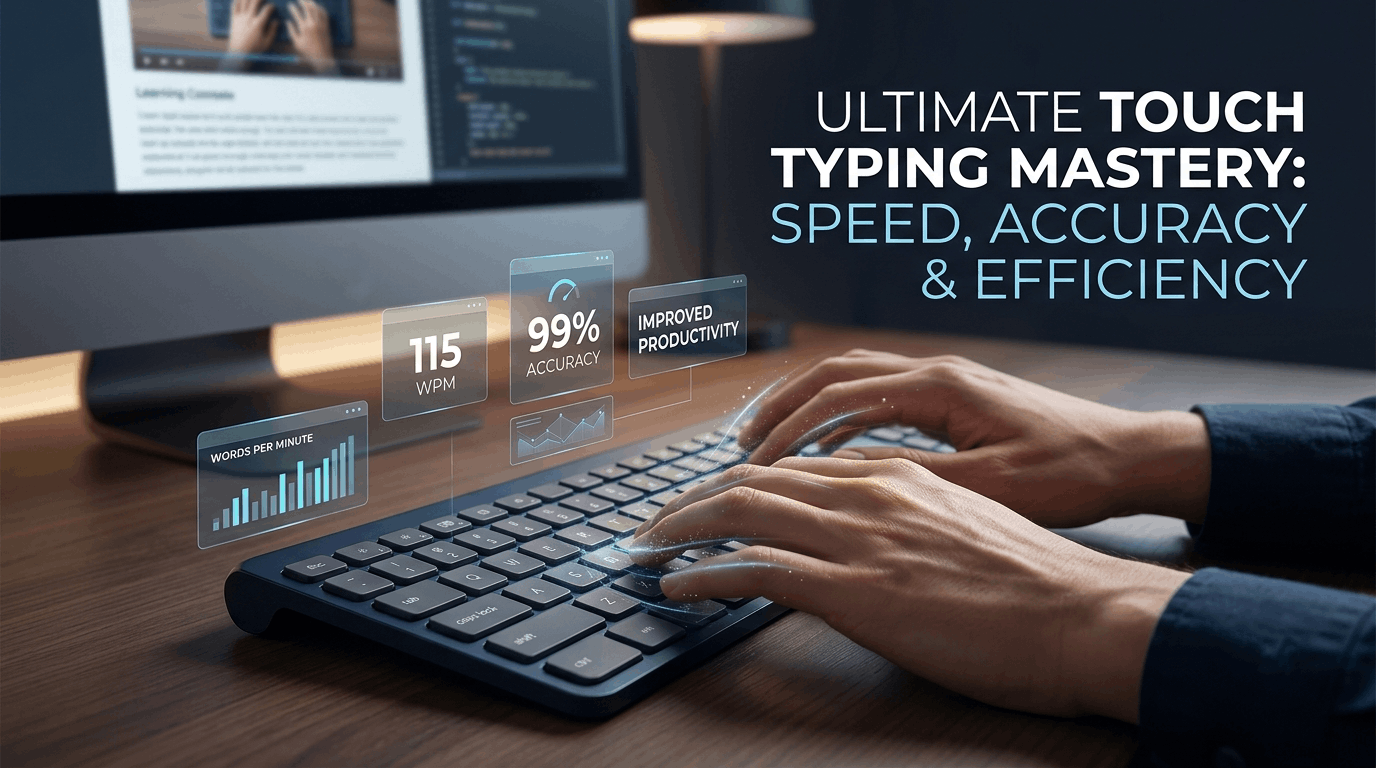
Course Line238$849.49Original price was: $849.49.$25.99Current price is: $25.99.Master Fast Keyboard Typing: Speed, Accuracy & Touch Typing Skills
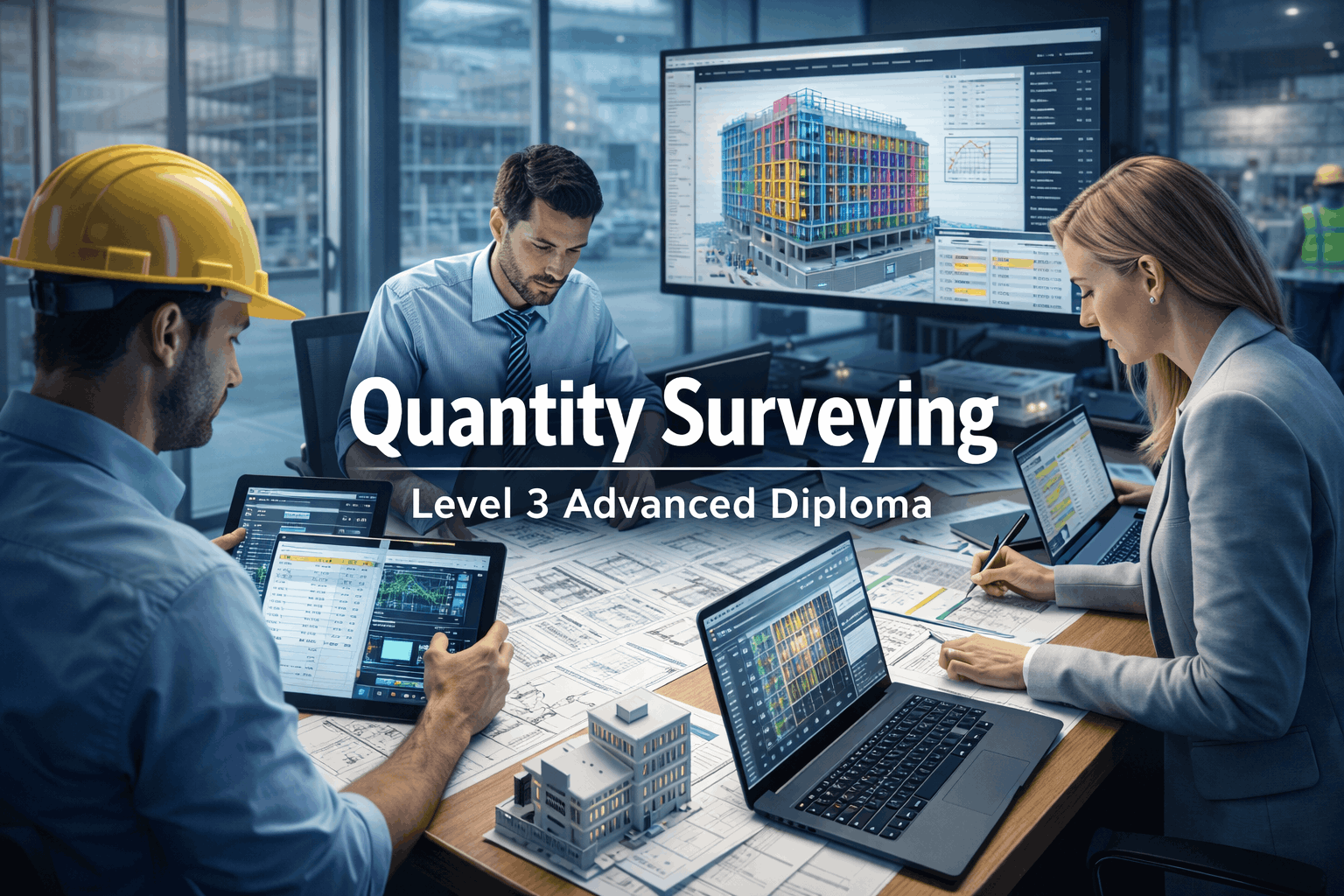
Course Line237$849.49Original price was: $849.49.$25.99Current price is: $25.99.Quantity Surveying Level 3 Advanced Diploma
Course Line239$849.49Original price was: $849.49.$25.99Current price is: $25.99.

Related Courses
AutoCAD Floor Plan Rendering in Photoshop: Architectural Visualisation Professional Training
$849.49Original price was: $849.49.$25.99Current price is: $25.99.237Professional Photography Masterclass: Camera, Lighting, Composition & Portraits
$849.49Original price was: $849.49.$25.99Current price is: $25.99.237DSLR & Mirrorless Photography: Master Exposure, Focus & Flash
$849.49Original price was: $849.49.$25.99Current price is: $25.99.237

Related Courses
AutoCAD Floor Plan Rendering in Photoshop: Architectural Visualisation Professional Training
$849.49Original price was: $849.49.$25.99Current price is: $25.99.237Professional Photography Masterclass: Camera, Lighting, Composition & Portraits
$849.49Original price was: $849.49.$25.99Current price is: $25.99.237DSLR & Mirrorless Photography: Master Exposure, Focus & Flash
$849.49Original price was: $849.49.$25.99Current price is: $25.99.237

