
Course Features
Price
Study Method
Online | Self-paced
Course Format
Reading Material - PDF, article
Duration
2 hours, 45 minutes
Qualification
No formal qualification
Certificate
At completion
Additional info
Coming soon
- Share
Overview
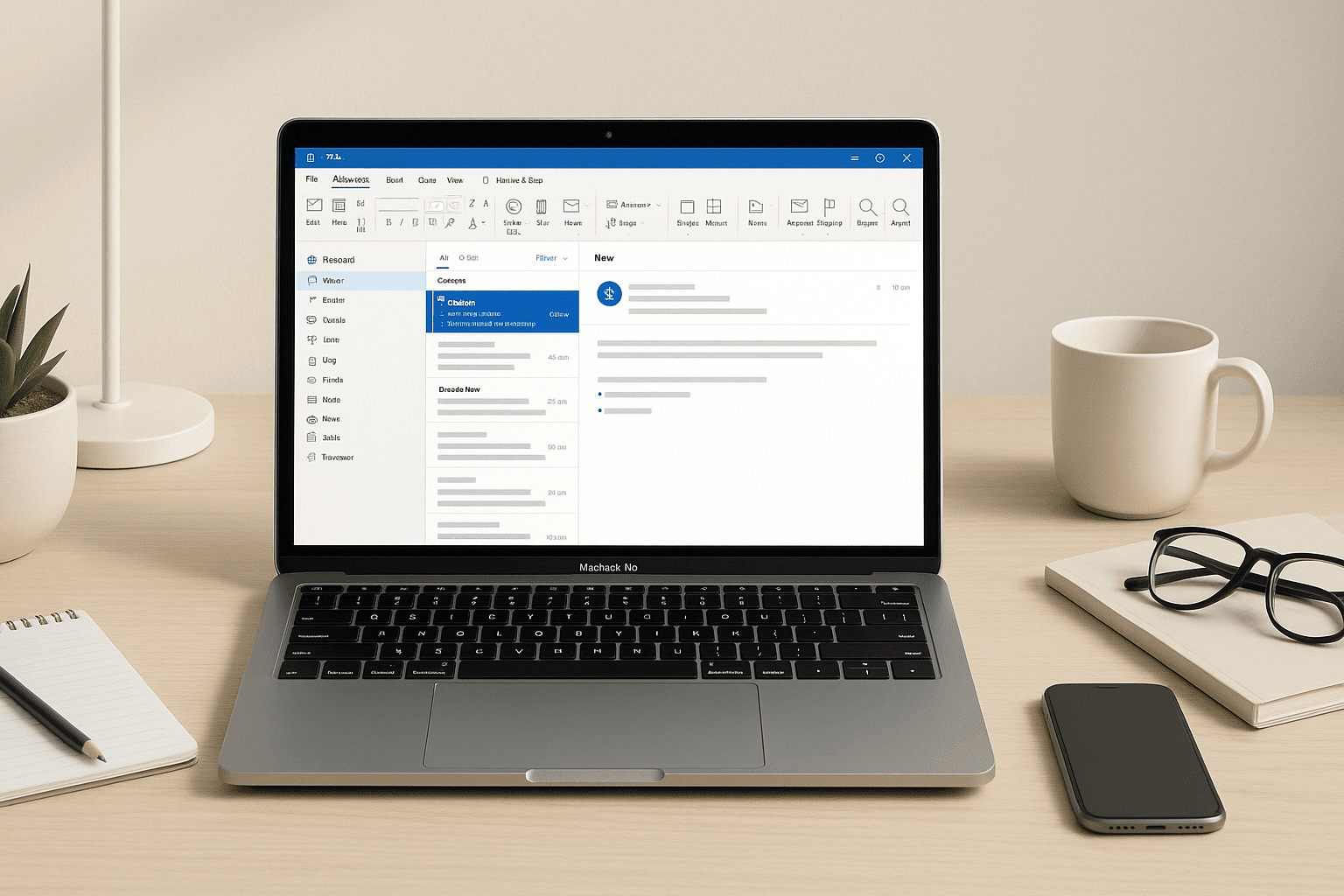
Outlook for beginners is the perfect starting point for anyone who wants to take control of their email, calendar, and digital organisation using Microsoft Outlook 2025. This course breaks down each feature into simple, practical steps so new users can quickly build confidence and efficiency. Whether you’re managing personal communication, coordinating meetings, or streamlining workplace tasks, the lessons in this course guide you through everything you need to stay organised and productive.
You’ll begin by learning how to set up accounts, understand the updated tabs and ribbons, and navigate Outlook’s interface using the Navigation Bar. From there, you’ll explore smart inbox organisation techniques, including folders, favourites, filters, and automated rules that help you manage emails with minimal effort. These tools are especially valuable for individuals who want clearer workflows, reduced inbox stress, and improved response times.
As you progress, you’ll discover how to compose and manage emails professionally, attach files, insert calendar invitations, include screenshots, and pull content from other apps. The course also introduces techniques for customising your Outlook views, allowing you to personalise your workspace to match your working style and daily needs.
Every lesson is designed with beginners in mind — no prior email management experience is required. By the end of the course, learners are able to handle daily communication with greater ease, plan schedules, organise tasks, and confidently use Outlook for both personal and professional purposes.
After completing the course, learners will receive a free course completion certificate. For those who want more formal documentation, premium certificate and transcript options are available for purchase, making it ideal for employment, academic, or professional development use. Students also benefit from 5-star rated support available 24/7 through email, ensuring reliable assistance whenever they need it.
Who is this course for?
Outlook for beginners is the perfect starting point for anyone who wants to take control of their email, calendar, and digital organisation using Microsoft Outlook 2025. This course breaks down each feature into simple, practical steps so new users can quickly build confidence and efficiency. Whether you’re managing personal communication, coordinating meetings, or streamlining workplace tasks, the lessons in this course guide you through everything you need to stay organised and productive.
You’ll begin by learning how to set up accounts, understand the updated tabs and ribbons, and navigate Outlook’s interface using the Navigation Bar. From there, you’ll explore smart inbox organisation techniques, including folders, favourites, filters, and automated rules that help you manage emails with minimal effort. These tools are especially valuable for individuals who want clearer workflows, reduced inbox stress, and improved response times.
As you progress, you’ll discover how to compose and manage emails professionally, attach files, insert calendar invitations, include screenshots, and pull content from other apps. The course also introduces techniques for customising your Outlook views, allowing you to personalise your workspace to match your working style and daily needs.
Every lesson is designed with beginners in mind — no prior email management experience is required. By the end of the course, learners are able to handle daily communication with greater ease, plan schedules, organise tasks, and confidently use Outlook for both personal and professional purposes.
After completing the course, learners will receive a free course completion certificate. For those who want more formal documentation, premium certificate and transcript options are available for purchase, making it ideal for employment, academic, or professional development use. Students also benefit from 5-star rated support available 24/7 through email, ensuring reliable assistance whenever they need it.
Requirements
Outlook for beginners is the perfect starting point for anyone who wants to take control of their email, calendar, and digital organisation using Microsoft Outlook 2025. This course breaks down each feature into simple, practical steps so new users can quickly build confidence and efficiency. Whether you’re managing personal communication, coordinating meetings, or streamlining workplace tasks, the lessons in this course guide you through everything you need to stay organised and productive.
You’ll begin by learning how to set up accounts, understand the updated tabs and ribbons, and navigate Outlook’s interface using the Navigation Bar. From there, you’ll explore smart inbox organisation techniques, including folders, favourites, filters, and automated rules that help you manage emails with minimal effort. These tools are especially valuable for individuals who want clearer workflows, reduced inbox stress, and improved response times.
As you progress, you’ll discover how to compose and manage emails professionally, attach files, insert calendar invitations, include screenshots, and pull content from other apps. The course also introduces techniques for customising your Outlook views, allowing you to personalise your workspace to match your working style and daily needs.
Every lesson is designed with beginners in mind — no prior email management experience is required. By the end of the course, learners are able to handle daily communication with greater ease, plan schedules, organise tasks, and confidently use Outlook for both personal and professional purposes.
After completing the course, learners will receive a free course completion certificate. For those who want more formal documentation, premium certificate and transcript options are available for purchase, making it ideal for employment, academic, or professional development use. Students also benefit from 5-star rated support available 24/7 through email, ensuring reliable assistance whenever they need it.
Career path
Outlook for beginners is the perfect starting point for anyone who wants to take control of their email, calendar, and digital organisation using Microsoft Outlook 2025. This course breaks down each feature into simple, practical steps so new users can quickly build confidence and efficiency. Whether you’re managing personal communication, coordinating meetings, or streamlining workplace tasks, the lessons in this course guide you through everything you need to stay organised and productive.
You’ll begin by learning how to set up accounts, understand the updated tabs and ribbons, and navigate Outlook’s interface using the Navigation Bar. From there, you’ll explore smart inbox organisation techniques, including folders, favourites, filters, and automated rules that help you manage emails with minimal effort. These tools are especially valuable for individuals who want clearer workflows, reduced inbox stress, and improved response times.
As you progress, you’ll discover how to compose and manage emails professionally, attach files, insert calendar invitations, include screenshots, and pull content from other apps. The course also introduces techniques for customising your Outlook views, allowing you to personalise your workspace to match your working style and daily needs.
Every lesson is designed with beginners in mind — no prior email management experience is required. By the end of the course, learners are able to handle daily communication with greater ease, plan schedules, organise tasks, and confidently use Outlook for both personal and professional purposes.
After completing the course, learners will receive a free course completion certificate. For those who want more formal documentation, premium certificate and transcript options are available for purchase, making it ideal for employment, academic, or professional development use. Students also benefit from 5-star rated support available 24/7 through email, ensuring reliable assistance whenever they need it.
-
- Setting Up Outlook with Accounts 00:10:00
- Understanding Tabs, Ribbons and Groups 00:10:00
- Navigating Outlook Using the Navigation Bar 00:10:00
-
- Organising with Folders & Favourites 00:10:00
- Using Additional Options in Outlook Tabs 00:10:00
- Creating and Managing Rules to Move Emails Automatically 00:10:00
- Reading, Writing and Receiving Emails 00:10:00
- Attaching Files, Calendar Invites and Other Items 00:10:00
- Inserting Screenshots and Content from Other Apps 00:10:00
- Exam of Microsoft Outlook for Beginners 2025: Master Email, Calendar & Organisation 00:50:00

No Reviews found for this course.
Is this certificate recognized?
Yes, our premium certificate and transcript are widely recognized and accepted by embassies worldwide, particularly by the UK embassy. This adds credibility to your qualification and enhances its value for professional and academic purposes.
I am a beginner. Is this course suitable for me?
Yes, this course is designed for learners of all levels, including beginners. The content is structured to provide step-by-step guidance, ensuring that even those with no prior experience can follow along and gain valuable knowledge.
I am a professional. Is this course suitable for me?
Yes, professionals will also benefit from this course. It covers advanced concepts, practical applications, and industry insights that can help enhance existing skills and knowledge. Whether you are looking to refine your expertise or expand your qualifications, this course provides valuable learning.
Does this course have an expiry date?
No, you have lifetime access to the course. Once enrolled, you can revisit the materials at any time as long as the course remains available. Additionally, we regularly update our content to ensure it stays relevant and up to date.
How do I claim my free certificate?
I trust you’re in good health. Your free certificate can be located in the Achievement section. The option to purchase a CPD certificate is available but entirely optional, and you may choose to skip it. Please be aware that it’s crucial to click the “Complete” button to ensure the certificate is generated, as this process is entirely automated.
Does this course have assessments and assignments?
Yes, the course includes both assessments and assignments. Your final marks will be determined by a combination of 20% from assignments and 80% from assessments. These evaluations are designed to test your understanding and ensure you have grasped the key concepts effectively.
Is this course accredited?
We are a recognized course provider with CPD, UKRLP, and AOHT membership. The logos of these accreditation bodies will be featured on your premium certificate and transcript, ensuring credibility and professional recognition.
Will I receive a certificate upon completion?
Yes, you will receive a free digital certificate automatically once you complete the course. If you would like a premium CPD-accredited certificate, either in digital or physical format, you can upgrade for a small fee.
Course Features
Price
Study Method
Online | Self-paced
Course Format
Reading Material - PDF, article
Duration
2 hours, 45 minutes
Qualification
No formal qualification
Certificate
At completion
Additional info
Coming soon
- Share

Journalism Level 5 Advanced Diploma
Course Line246£490.00Original price was: £490.00.£14.99Current price is: £14.99.Product Marketing Manager Level 3 Advanced Diploma
Course Line237£490.00Original price was: £490.00.£14.99Current price is: £14.99.



Related Courses
Level 4 Academy Manager Course in Football
£490.00Original price was: £490.00.£14.99Current price is: £14.99.238PRINCE2 in Practice: Simulated Projects & Case Studies
£490.00Original price was: £490.00.£14.99Current price is: £14.99.237PRINCE2 Risk Management: Identifying, Assessing & Controlling Risk
£490.00Original price was: £490.00.£14.99Current price is: £14.99.237


Related Courses
Level 4 Academy Manager Course in Football
£490.00Original price was: £490.00.£14.99Current price is: £14.99.238PRINCE2 in Practice: Simulated Projects & Case Studies
£490.00Original price was: £490.00.£14.99Current price is: £14.99.237PRINCE2 Risk Management: Identifying, Assessing & Controlling Risk
£490.00Original price was: £490.00.£14.99Current price is: £14.99.237

