
Course Features
Price
Study Method
Online | Self-paced
Course Format
Interactive PDFs, Articles & Learning Resources
Duration
3 hours, 45 minutes
Qualification
Professional Skills Development Course
Assessment
Final MCQ Exam (included in price)
Certificate
Verifiable Digital Certificate - Free
Additional info
Lifetime Access | Start Instantly
- Share
Overview
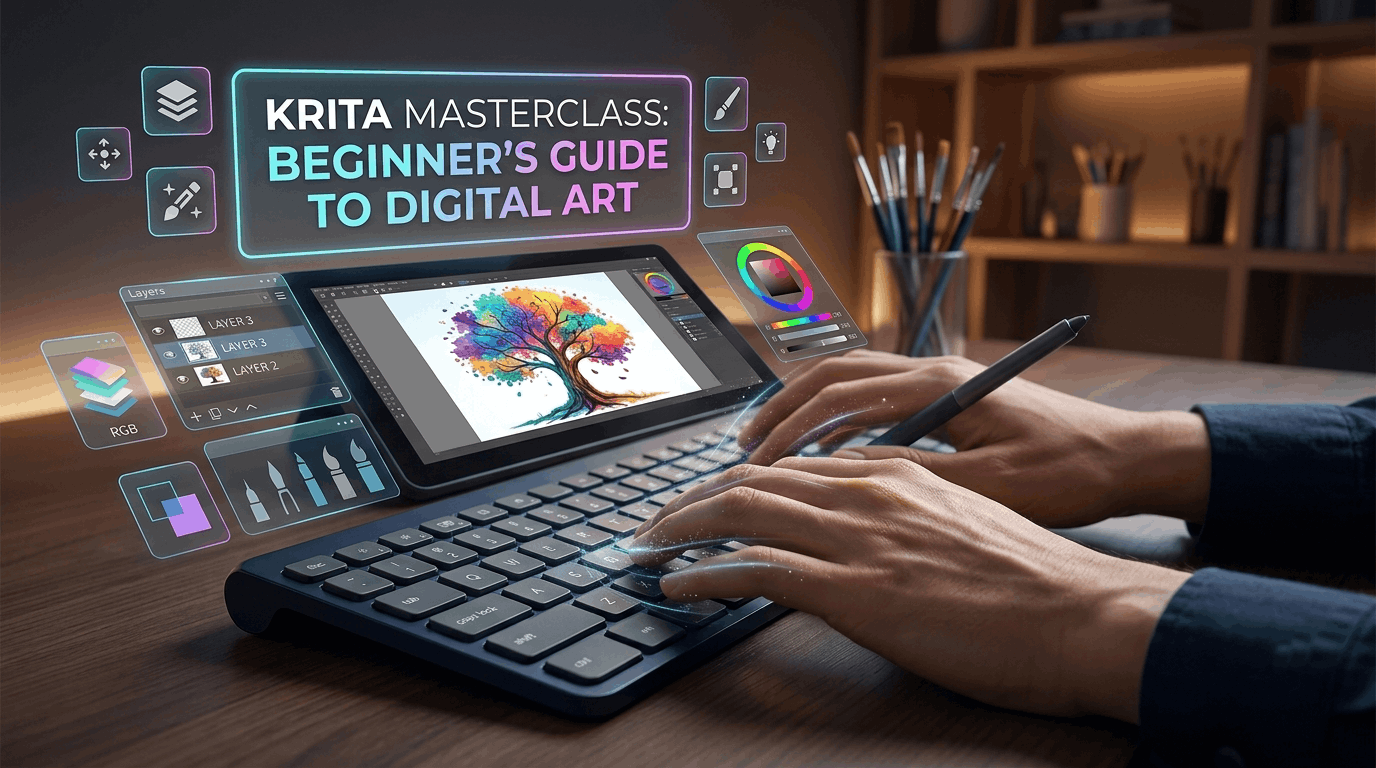
Krita Course training provides a beginner-friendly introduction to digital art, helping learners become comfortable with essential creative tools through clear explanations and practical exercises. Designed for those who want to start drawing, painting or editing images digitally, the course offers a structured pathway from initial software setup to creating original artwork with greater confidence.
You will begin by learning how to install the software and navigate the workspace before exploring the basic functions used in everyday digital art projects. The training introduces brushes, drawing tools and shape tools, giving you opportunities to experiment with different ways of creating marks, forms and visual compositions. A guided tree-drawing exercise allows you to apply these early skills in a simple, achievable project.
As you progress, you will explore selections, cropping, movement tools and other useful features that support more controlled editing. You will also learn how layers can help organise artwork, separate visual elements and make creative changes more manageable. An abstract digital art exercise provides an opportunity to combine different techniques while developing your own visual ideas.
The course then introduces additional creative possibilities, including image adjustments, blending modes, vectors, shapes and layer styles. These features can help you understand how digital artwork can be refined, transformed and presented in different ways. Dedicated brushwork exercises also encourage better stroke control and greater familiarity with digital drawing techniques.
By completing the course, you can develop a practical foundation in digital illustration and image editing while becoming more confident in exploring creative projects independently. The skills introduced can support personal artwork, social media graphics, concept development, illustration practice and further study in digital design. The emphasis on simple exercises makes the learning process accessible while still introducing tools that can support continued creative development.
Students have access to 5-star rated support available 24/7 through email, providing assistance whenever guidance is needed. After successfully completing the course, learners will receive a free course completion certificate. Those who want additional professional documentation can also choose from multiple premium certificate and transcript options available for purchase.The skills developed can provide a foundation for further learning in digital illustration, graphic design, concept art, character art and visual content creation. Learners may use their new abilities to build personal projects, strengthen a creative portfolio, explore freelance opportunities or progress to more advanced training in digital painting, illustration and related creative disciplines.
Who is this course for?
Krita Course training provides a beginner-friendly introduction to digital art, helping learners become comfortable with essential creative tools through clear explanations and practical exercises. Designed for those who want to start drawing, painting or editing images digitally, the course offers a structured pathway from initial software setup to creating original artwork with greater confidence.
You will begin by learning how to install the software and navigate the workspace before exploring the basic functions used in everyday digital art projects. The training introduces brushes, drawing tools and shape tools, giving you opportunities to experiment with different ways of creating marks, forms and visual compositions. A guided tree-drawing exercise allows you to apply these early skills in a simple, achievable project.
As you progress, you will explore selections, cropping, movement tools and other useful features that support more controlled editing. You will also learn how layers can help organise artwork, separate visual elements and make creative changes more manageable. An abstract digital art exercise provides an opportunity to combine different techniques while developing your own visual ideas.
The course then introduces additional creative possibilities, including image adjustments, blending modes, vectors, shapes and layer styles. These features can help you understand how digital artwork can be refined, transformed and presented in different ways. Dedicated brushwork exercises also encourage better stroke control and greater familiarity with digital drawing techniques.
By completing the course, you can develop a practical foundation in digital illustration and image editing while becoming more confident in exploring creative projects independently. The skills introduced can support personal artwork, social media graphics, concept development, illustration practice and further study in digital design. The emphasis on simple exercises makes the learning process accessible while still introducing tools that can support continued creative development.
Students have access to 5-star rated support available 24/7 through email, providing assistance whenever guidance is needed. After successfully completing the course, learners will receive a free course completion certificate. Those who want additional professional documentation can also choose from multiple premium certificate and transcript options available for purchase.The skills developed can provide a foundation for further learning in digital illustration, graphic design, concept art, character art and visual content creation. Learners may use their new abilities to build personal projects, strengthen a creative portfolio, explore freelance opportunities or progress to more advanced training in digital painting, illustration and related creative disciplines.
Requirements
Krita Course training provides a beginner-friendly introduction to digital art, helping learners become comfortable with essential creative tools through clear explanations and practical exercises. Designed for those who want to start drawing, painting or editing images digitally, the course offers a structured pathway from initial software setup to creating original artwork with greater confidence.
You will begin by learning how to install the software and navigate the workspace before exploring the basic functions used in everyday digital art projects. The training introduces brushes, drawing tools and shape tools, giving you opportunities to experiment with different ways of creating marks, forms and visual compositions. A guided tree-drawing exercise allows you to apply these early skills in a simple, achievable project.
As you progress, you will explore selections, cropping, movement tools and other useful features that support more controlled editing. You will also learn how layers can help organise artwork, separate visual elements and make creative changes more manageable. An abstract digital art exercise provides an opportunity to combine different techniques while developing your own visual ideas.
The course then introduces additional creative possibilities, including image adjustments, blending modes, vectors, shapes and layer styles. These features can help you understand how digital artwork can be refined, transformed and presented in different ways. Dedicated brushwork exercises also encourage better stroke control and greater familiarity with digital drawing techniques.
By completing the course, you can develop a practical foundation in digital illustration and image editing while becoming more confident in exploring creative projects independently. The skills introduced can support personal artwork, social media graphics, concept development, illustration practice and further study in digital design. The emphasis on simple exercises makes the learning process accessible while still introducing tools that can support continued creative development.
Students have access to 5-star rated support available 24/7 through email, providing assistance whenever guidance is needed. After successfully completing the course, learners will receive a free course completion certificate. Those who want additional professional documentation can also choose from multiple premium certificate and transcript options available for purchase.The skills developed can provide a foundation for further learning in digital illustration, graphic design, concept art, character art and visual content creation. Learners may use their new abilities to build personal projects, strengthen a creative portfolio, explore freelance opportunities or progress to more advanced training in digital painting, illustration and related creative disciplines.
Career path
Krita Course training provides a beginner-friendly introduction to digital art, helping learners become comfortable with essential creative tools through clear explanations and practical exercises. Designed for those who want to start drawing, painting or editing images digitally, the course offers a structured pathway from initial software setup to creating original artwork with greater confidence.
You will begin by learning how to install the software and navigate the workspace before exploring the basic functions used in everyday digital art projects. The training introduces brushes, drawing tools and shape tools, giving you opportunities to experiment with different ways of creating marks, forms and visual compositions. A guided tree-drawing exercise allows you to apply these early skills in a simple, achievable project.
As you progress, you will explore selections, cropping, movement tools and other useful features that support more controlled editing. You will also learn how layers can help organise artwork, separate visual elements and make creative changes more manageable. An abstract digital art exercise provides an opportunity to combine different techniques while developing your own visual ideas.
The course then introduces additional creative possibilities, including image adjustments, blending modes, vectors, shapes and layer styles. These features can help you understand how digital artwork can be refined, transformed and presented in different ways. Dedicated brushwork exercises also encourage better stroke control and greater familiarity with digital drawing techniques.
By completing the course, you can develop a practical foundation in digital illustration and image editing while becoming more confident in exploring creative projects independently. The skills introduced can support personal artwork, social media graphics, concept development, illustration practice and further study in digital design. The emphasis on simple exercises makes the learning process accessible while still introducing tools that can support continued creative development.
Students have access to 5-star rated support available 24/7 through email, providing assistance whenever guidance is needed. After successfully completing the course, learners will receive a free course completion certificate. Those who want additional professional documentation can also choose from multiple premium certificate and transcript options available for purchase.The skills developed can provide a foundation for further learning in digital illustration, graphic design, concept art, character art and visual content creation. Learners may use their new abilities to build personal projects, strengthen a creative portfolio, explore freelance opportunities or progress to more advanced training in digital painting, illustration and related creative disciplines.
-
- Welcome to the Course! 00:10:00
- How to Install Krita on Your Computer 00:10:00
-
- Understanding the Krita Interface 00:10:00
- Learning the Basic Functions 00:10:00
- Using Brushes and Starting to Draw 00:10:00
- Drawing with Shape Tools 00:10:00
- Drawing a Tree – Your First Exercise 00:10:00
- Making Selections in Krita 00:10:00
- Using Additional Tools (Crop, Move, etc.) 00:10:00
- Working with Layers – Basics and Tips 00:10:00
- Creating an Abstract Digital Artwork 00:10:00
- Image Editing and Adjustments 00:10:00
- Using Blending Modes Creatively 00:10:00
- Vectors, Shapes, and Layer Styles 00:10:00
- Brushwork Practice – Fun Exercises to Improve Stroke Control 00:10:00
- Thank You and Next Steps 00:10:00
- Premium Certificate 00:15:00

No Reviews found for this course.
Is this certificate recognized?
Yes, our premium certificate and transcript are widely recognized and accepted by embassies worldwide, particularly by the UK embassy. This adds credibility to your qualification and enhances its value for professional and academic purposes.
I am a beginner. Is this course suitable for me?
Yes, this course is designed for learners of all levels, including beginners. The content is structured to provide step-by-step guidance, ensuring that even those with no prior experience can follow along and gain valuable knowledge.
I am a professional. Is this course suitable for me?
Yes, professionals will also benefit from this course. It covers advanced concepts, practical applications, and industry insights that can help enhance existing skills and knowledge. Whether you are looking to refine your expertise or expand your qualifications, this course provides valuable learning.
Does this course have an expiry date?
No, you have lifetime access to the course. Once enrolled, you can revisit the materials at any time as long as the course remains available. Additionally, we regularly update our content to ensure it stays relevant and up to date.
How do I claim my free certificate?
I trust you’re in good health. Your free certificate can be located in the Achievement section. The option to purchase a CPD certificate is available but entirely optional, and you may choose to skip it. Please be aware that it’s crucial to click the “Complete” button to ensure the certificate is generated, as this process is entirely automated.
Does this course have assessments and assignments?
Yes, the course includes both assessments and assignments. Your final marks will be determined by a combination of 20% from assignments and 80% from assessments. These evaluations are designed to test your understanding and ensure you have grasped the key concepts effectively.
Is this course accredited?
We are a recognized course provider with CPD, UKRLP, and AOHT membership. The logos of these accreditation bodies will be featured on your premium certificate and transcript, ensuring credibility and professional recognition.
Will I receive a certificate upon completion?
Yes, you will receive a free digital certificate automatically once you complete the course. If you would like a premium CPD-accredited certificate, either in digital or physical format, you can upgrade for a small fee.
Course Features
Price
Study Method
Online | Self-paced
Course Format
Interactive PDFs, Articles & Learning Resources
Duration
3 hours, 45 minutes
Qualification
Professional Skills Development Course
Assessment
Final MCQ Exam (included in price)
Certificate
Verifiable Digital Certificate - Free
Additional info
Lifetime Access | Start Instantly
- Share

Microsoft Office Mastery: Word, Excel, & PowerPoint Complete Course
Course Line271$846.36Original price was: $846.36.$25.89Current price is: $25.89.Public Services Level 3 Advanced Diploma
Course Line246$846.36Original price was: $846.36.$25.89Current price is: $25.89.Safety Procedures in The Workplace
Course Line237$846.36Original price was: $846.36.$25.89Current price is: $25.89.



Related Courses
AutoCAD Floor Plan Rendering in Photoshop: Architectural Visualisation Professional Training
$846.36Original price was: $846.36.$25.89Current price is: $25.89.237Professional Photography Masterclass: Camera, Lighting, Composition & Portraits
$846.36Original price was: $846.36.$25.89Current price is: $25.89.237Adobe Photoshop CC MasterClass: From Beginner to Advanced Digital Artist
$846.36Original price was: $846.36.$25.89Current price is: $25.89.237


Related Courses
AutoCAD Floor Plan Rendering in Photoshop: Architectural Visualisation Professional Training
$846.36Original price was: $846.36.$25.89Current price is: $25.89.237Professional Photography Masterclass: Camera, Lighting, Composition & Portraits
$846.36Original price was: $846.36.$25.89Current price is: $25.89.237Adobe Photoshop CC MasterClass: From Beginner to Advanced Digital Artist
$846.36Original price was: $846.36.$25.89Current price is: $25.89.237

