
Course Features
Price
Study Method
Online | Self-paced
Course Format
Interactive PDFs, Articles & Learning Resources
Duration
5 hours, 15 minutes
Qualification
Professional Skills Development Course
Assessment
Final MCQ Exam (included in price)
Certificate
Verifiable Digital Certificate - Free
Additional info
Lifetime Access | Start Instantly
- Share
Overview
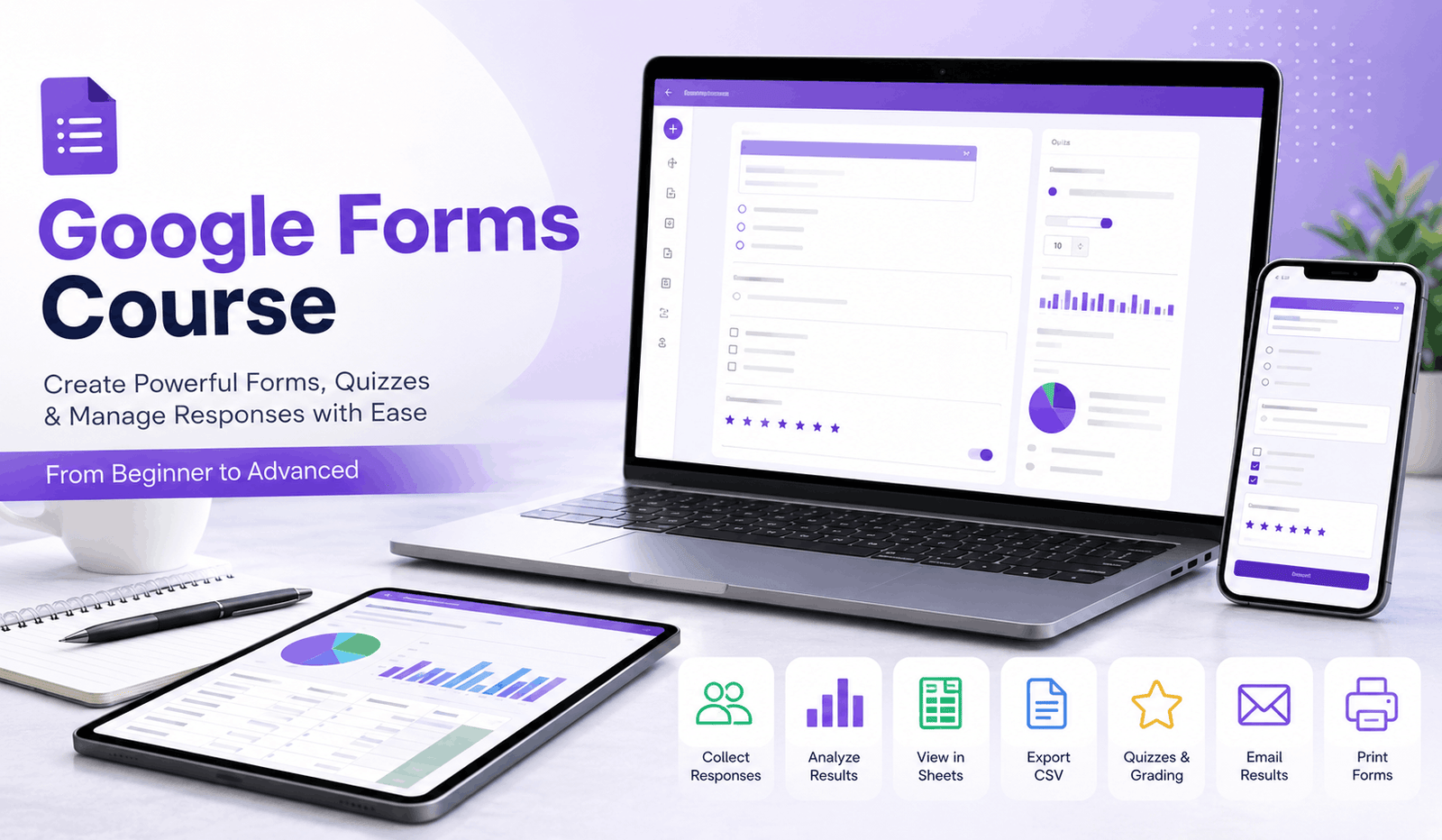
Google Forms Course training provides a focused and practical introduction to creating online forms, collecting information and building quizzes for education, business and everyday use. Designed to take learners from essential features to more advanced quiz management in a concise learning experience, this course explains how to create, distribute and manage digital forms with greater confidence.
The course begins by introducing the purpose and functionality of Google Forms before guiding learners through the process of creating a new form. Learners explore how to add and edit questions, configure important settings and preview a form before sharing it with respondents. These skills provide a foundation for creating organised forms suited to surveys, registrations, feedback collection and other information-gathering tasks.
The next stage focuses on distribution and response management. Learners discover how to send forms, control response collection and pause or stop submissions when necessary. The course then explores different ways to review collected information, including viewing responses directly within Forms, working with response data in Sheets and downloading information as a CSV file. Printing options for forms and responses are also covered.
A substantial part of the course is dedicated to creating and managing online quizzes. Learners explore how to convert an existing form into a quiz or create one from the beginning. Topics include adding questions, collecting respondent details, specifying correct answers, assigning points and providing feedback.
The course also explains how to control quiz participation and distribute quizzes to the intended audience. Learners examine different approaches to grading, including reviewing results by response and by individual respondent. The final stages cover customising quiz results, deciding when results should be released, sending results by email and printing quiz questions or responses.
By completing the course, learners can develop practical skills for creating digital forms and quizzes, managing submissions and reviewing response data efficiently. These abilities can support educational assessment, workplace administration, research, event registration and feedback collection.
Students have access to 5-star rated support available 24/7 through email. Upon successful completion, learners will receive a free course completion certificate. Multiple premium certificate and transcript options are also available for purchase for those who wish to obtain additional documentation.Who is this course for?
Google Forms Course training provides a focused and practical introduction to creating online forms, collecting information and building quizzes for education, business and everyday use. Designed to take learners from essential features to more advanced quiz management in a concise learning experience, this course explains how to create, distribute and manage digital forms with greater confidence.
The course begins by introducing the purpose and functionality of Google Forms before guiding learners through the process of creating a new form. Learners explore how to add and edit questions, configure important settings and preview a form before sharing it with respondents. These skills provide a foundation for creating organised forms suited to surveys, registrations, feedback collection and other information-gathering tasks.
The next stage focuses on distribution and response management. Learners discover how to send forms, control response collection and pause or stop submissions when necessary. The course then explores different ways to review collected information, including viewing responses directly within Forms, working with response data in Sheets and downloading information as a CSV file. Printing options for forms and responses are also covered.
A substantial part of the course is dedicated to creating and managing online quizzes. Learners explore how to convert an existing form into a quiz or create one from the beginning. Topics include adding questions, collecting respondent details, specifying correct answers, assigning points and providing feedback.
The course also explains how to control quiz participation and distribute quizzes to the intended audience. Learners examine different approaches to grading, including reviewing results by response and by individual respondent. The final stages cover customising quiz results, deciding when results should be released, sending results by email and printing quiz questions or responses.
By completing the course, learners can develop practical skills for creating digital forms and quizzes, managing submissions and reviewing response data efficiently. These abilities can support educational assessment, workplace administration, research, event registration and feedback collection.
Students have access to 5-star rated support available 24/7 through email. Upon successful completion, learners will receive a free course completion certificate. Multiple premium certificate and transcript options are also available for purchase for those who wish to obtain additional documentation.Requirements
Google Forms Course training provides a focused and practical introduction to creating online forms, collecting information and building quizzes for education, business and everyday use. Designed to take learners from essential features to more advanced quiz management in a concise learning experience, this course explains how to create, distribute and manage digital forms with greater confidence.
The course begins by introducing the purpose and functionality of Google Forms before guiding learners through the process of creating a new form. Learners explore how to add and edit questions, configure important settings and preview a form before sharing it with respondents. These skills provide a foundation for creating organised forms suited to surveys, registrations, feedback collection and other information-gathering tasks.
The next stage focuses on distribution and response management. Learners discover how to send forms, control response collection and pause or stop submissions when necessary. The course then explores different ways to review collected information, including viewing responses directly within Forms, working with response data in Sheets and downloading information as a CSV file. Printing options for forms and responses are also covered.
A substantial part of the course is dedicated to creating and managing online quizzes. Learners explore how to convert an existing form into a quiz or create one from the beginning. Topics include adding questions, collecting respondent details, specifying correct answers, assigning points and providing feedback.
The course also explains how to control quiz participation and distribute quizzes to the intended audience. Learners examine different approaches to grading, including reviewing results by response and by individual respondent. The final stages cover customising quiz results, deciding when results should be released, sending results by email and printing quiz questions or responses.
By completing the course, learners can develop practical skills for creating digital forms and quizzes, managing submissions and reviewing response data efficiently. These abilities can support educational assessment, workplace administration, research, event registration and feedback collection.
Students have access to 5-star rated support available 24/7 through email. Upon successful completion, learners will receive a free course completion certificate. Multiple premium certificate and transcript options are also available for purchase for those who wish to obtain additional documentation.Career path
Google Forms Course training provides a focused and practical introduction to creating online forms, collecting information and building quizzes for education, business and everyday use. Designed to take learners from essential features to more advanced quiz management in a concise learning experience, this course explains how to create, distribute and manage digital forms with greater confidence.
The course begins by introducing the purpose and functionality of Google Forms before guiding learners through the process of creating a new form. Learners explore how to add and edit questions, configure important settings and preview a form before sharing it with respondents. These skills provide a foundation for creating organised forms suited to surveys, registrations, feedback collection and other information-gathering tasks.
The next stage focuses on distribution and response management. Learners discover how to send forms, control response collection and pause or stop submissions when necessary. The course then explores different ways to review collected information, including viewing responses directly within Forms, working with response data in Sheets and downloading information as a CSV file. Printing options for forms and responses are also covered.
A substantial part of the course is dedicated to creating and managing online quizzes. Learners explore how to convert an existing form into a quiz or create one from the beginning. Topics include adding questions, collecting respondent details, specifying correct answers, assigning points and providing feedback.
The course also explains how to control quiz participation and distribute quizzes to the intended audience. Learners examine different approaches to grading, including reviewing results by response and by individual respondent. The final stages cover customising quiz results, deciding when results should be released, sending results by email and printing quiz questions or responses.
By completing the course, learners can develop practical skills for creating digital forms and quizzes, managing submissions and reviewing response data efficiently. These abilities can support educational assessment, workplace administration, research, event registration and feedback collection.
Students have access to 5-star rated support available 24/7 through email. Upon successful completion, learners will receive a free course completion certificate. Multiple premium certificate and transcript options are also available for purchase for those who wish to obtain additional documentation.-
- What is Google Form 00:10:00
-
- Create a New Form 00:10:00
- Add Questions 00:10:00
- Edit Questions 00:10:00
- Choose Form Settings 00:10:00
- Preview Your Form 00:10:00
- See Responses in Forms 00:10:00
- See Responses in Sheets 00:10:00
- Download Responses as CSV File 00:10:00
- Convert a Form or Create a New Quiz 00:10:00
- Add Questions 00:10:00
- Collect Email Addresses and Names 00:10:00
- Specify Correct Answers and Points 00:10:00
- Add Feedback to Answers 00:10:00
- Grade by Response 00:10:00
- Grade by Respondent 00:10:00
- Print Questions or Responses 00:10:00
- Premium Certificate 00:15:00

No Reviews found for this course.
Is this certificate recognized?
Yes, our premium certificate and transcript are widely recognized and accepted by embassies worldwide, particularly by the UK embassy. This adds credibility to your qualification and enhances its value for professional and academic purposes.
I am a beginner. Is this course suitable for me?
Yes, this course is designed for learners of all levels, including beginners. The content is structured to provide step-by-step guidance, ensuring that even those with no prior experience can follow along and gain valuable knowledge.
I am a professional. Is this course suitable for me?
Yes, professionals will also benefit from this course. It covers advanced concepts, practical applications, and industry insights that can help enhance existing skills and knowledge. Whether you are looking to refine your expertise or expand your qualifications, this course provides valuable learning.
Does this course have an expiry date?
No, you have lifetime access to the course. Once enrolled, you can revisit the materials at any time as long as the course remains available. Additionally, we regularly update our content to ensure it stays relevant and up to date.
How do I claim my free certificate?
I trust you’re in good health. Your free certificate can be located in the Achievement section. The option to purchase a CPD certificate is available but entirely optional, and you may choose to skip it. Please be aware that it’s crucial to click the “Complete” button to ensure the certificate is generated, as this process is entirely automated.
Does this course have assessments and assignments?
Yes, the course includes both assessments and assignments. Your final marks will be determined by a combination of 20% from assignments and 80% from assessments. These evaluations are designed to test your understanding and ensure you have grasped the key concepts effectively.
Is this course accredited?
We are a recognized course provider with CPD, UKRLP, and AOHT membership. The logos of these accreditation bodies will be featured on your premium certificate and transcript, ensuring credibility and professional recognition.
Will I receive a certificate upon completion?
Yes, you will receive a free digital certificate automatically once you complete the course. If you would like a premium CPD-accredited certificate, either in digital or physical format, you can upgrade for a small fee.
Course Features
Price
Study Method
Online | Self-paced
Course Format
Interactive PDFs, Articles & Learning Resources
Duration
5 hours, 15 minutes
Qualification
Professional Skills Development Course
Assessment
Final MCQ Exam (included in price)
Certificate
Verifiable Digital Certificate - Free
Additional info
Lifetime Access | Start Instantly
- Share

Marine Biology Level 8 Advanced Diploma
Course Line243£490.00Original price was: £490.00.£14.99Current price is: £14.99.Ceramic Materials Science Level 3 Advanced Diploma
Course Line238£490.00Original price was: £490.00.£14.99Current price is: £14.99.A Level Law: Legal Systems, Rights & Responsibilities
Course Line237£490.00Original price was: £490.00.£14.99Current price is: £14.99.


Related Courses
PRINCE2 Foundation Certification Training
£490.00Original price was: £490.00.£14.99Current price is: £14.99.237Microsoft Excel for Business: Beginner to Advanced Data Analysis
£490.00Original price was: £490.00.£14.99Current price is: £14.99.237Financial Modelling in Excel: Build Forecasting & Budget Models
£490.00Original price was: £490.00.£14.99Current price is: £14.99.237




Related Courses
PRINCE2 Foundation Certification Training
£490.00Original price was: £490.00.£14.99Current price is: £14.99.237Microsoft Excel for Business: Beginner to Advanced Data Analysis
£490.00Original price was: £490.00.£14.99Current price is: £14.99.237Financial Modelling in Excel: Build Forecasting & Budget Models
£490.00Original price was: £490.00.£14.99Current price is: £14.99.237

