
Course Features
Price
Study Method
Online | Self-paced
Course Format
Interactive PDFs, Articles & Learning Resources
Duration
1 day, 4 hours
Qualification
Professional Skills Development Course
Assessment
Final MCQ Exam (included in price)
Certificate
Verifiable Digital Certificate - Free
Additional info
Lifetime Access | Start Instantly
- Share

Overview
Flutter Machine Learning brings mobile application development and artificial intelligence together, enabling developers to create applications that can interpret images, recognise text, detect objects and respond intelligently to user input. This comprehensive course provides a practical learning path for integrating machine learning capabilities into Flutter applications for Android and iOS, progressing from camera functionality to custom model training and real-time AI features.
Learners begin by working with device cameras and image sources, including selecting images from a gallery, capturing photos and displaying live camera footage. These foundations lead into practical machine learning applications such as image labelling, barcode scanning and face detection. The course explores facial contours, landmarks and classification while demonstrating how detection results can be visually displayed within mobile interfaces.
The learning journey expands into object detection, text recognition and pose estimation using both static images and live camera frames. Learners explore techniques for drawing detection boxes, processing recognised text and displaying body joint positions. Additional mobile AI capabilities include text translation, language identification, smart reply generation, entity extraction and digital ink recognition for handwritten input.
A significant part of the course focuses on using pre-trained and custom machine learning models. Learners work with model architectures such as MobileNet and EfficientNet for image classification and object detection. They also explore how models can be integrated into Flutter projects for real-time recognition.
The later stages introduce the machine learning training workflow, including data collection, dataset uploading, model training with Google Colab, testing, retraining and deployment considerations. Learners explore different model approaches, including MobileNet, ResNet and EfficientNet, before applying trained models to image classification and custom object detection applications.
By completing the course, learners can develop practical experience in connecting mobile interfaces, camera input and machine learning models to create intelligent application features. The project-focused structure supports continued development in mobile AI, computer vision and cross-platform application development.
Students have access to 5-star rated support available 24/7 through email throughout their learning journey. Upon successful completion, learners will receive a free course completion certificate. Multiple premium certificate and transcript options are also available for purchase for those who wish to obtain additional documentation.Who is this course for?
Flutter Machine Learning brings mobile application development and artificial intelligence together, enabling developers to create applications that can interpret images, recognise text, detect objects and respond intelligently to user input. This comprehensive course provides a practical learning path for integrating machine learning capabilities into Flutter applications for Android and iOS, progressing from camera functionality to custom model training and real-time AI features.
Learners begin by working with device cameras and image sources, including selecting images from a gallery, capturing photos and displaying live camera footage. These foundations lead into practical machine learning applications such as image labelling, barcode scanning and face detection. The course explores facial contours, landmarks and classification while demonstrating how detection results can be visually displayed within mobile interfaces.
The learning journey expands into object detection, text recognition and pose estimation using both static images and live camera frames. Learners explore techniques for drawing detection boxes, processing recognised text and displaying body joint positions. Additional mobile AI capabilities include text translation, language identification, smart reply generation, entity extraction and digital ink recognition for handwritten input.
A significant part of the course focuses on using pre-trained and custom machine learning models. Learners work with model architectures such as MobileNet and EfficientNet for image classification and object detection. They also explore how models can be integrated into Flutter projects for real-time recognition.
The later stages introduce the machine learning training workflow, including data collection, dataset uploading, model training with Google Colab, testing, retraining and deployment considerations. Learners explore different model approaches, including MobileNet, ResNet and EfficientNet, before applying trained models to image classification and custom object detection applications.
By completing the course, learners can develop practical experience in connecting mobile interfaces, camera input and machine learning models to create intelligent application features. The project-focused structure supports continued development in mobile AI, computer vision and cross-platform application development.
Students have access to 5-star rated support available 24/7 through email throughout their learning journey. Upon successful completion, learners will receive a free course completion certificate. Multiple premium certificate and transcript options are also available for purchase for those who wish to obtain additional documentation.Requirements
Flutter Machine Learning brings mobile application development and artificial intelligence together, enabling developers to create applications that can interpret images, recognise text, detect objects and respond intelligently to user input. This comprehensive course provides a practical learning path for integrating machine learning capabilities into Flutter applications for Android and iOS, progressing from camera functionality to custom model training and real-time AI features.
Learners begin by working with device cameras and image sources, including selecting images from a gallery, capturing photos and displaying live camera footage. These foundations lead into practical machine learning applications such as image labelling, barcode scanning and face detection. The course explores facial contours, landmarks and classification while demonstrating how detection results can be visually displayed within mobile interfaces.
The learning journey expands into object detection, text recognition and pose estimation using both static images and live camera frames. Learners explore techniques for drawing detection boxes, processing recognised text and displaying body joint positions. Additional mobile AI capabilities include text translation, language identification, smart reply generation, entity extraction and digital ink recognition for handwritten input.
A significant part of the course focuses on using pre-trained and custom machine learning models. Learners work with model architectures such as MobileNet and EfficientNet for image classification and object detection. They also explore how models can be integrated into Flutter projects for real-time recognition.
The later stages introduce the machine learning training workflow, including data collection, dataset uploading, model training with Google Colab, testing, retraining and deployment considerations. Learners explore different model approaches, including MobileNet, ResNet and EfficientNet, before applying trained models to image classification and custom object detection applications.
By completing the course, learners can develop practical experience in connecting mobile interfaces, camera input and machine learning models to create intelligent application features. The project-focused structure supports continued development in mobile AI, computer vision and cross-platform application development.
Students have access to 5-star rated support available 24/7 through email throughout their learning journey. Upon successful completion, learners will receive a free course completion certificate. Multiple premium certificate and transcript options are also available for purchase for those who wish to obtain additional documentation.Career path
Flutter Machine Learning brings mobile application development and artificial intelligence together, enabling developers to create applications that can interpret images, recognise text, detect objects and respond intelligently to user input. This comprehensive course provides a practical learning path for integrating machine learning capabilities into Flutter applications for Android and iOS, progressing from camera functionality to custom model training and real-time AI features.
Learners begin by working with device cameras and image sources, including selecting images from a gallery, capturing photos and displaying live camera footage. These foundations lead into practical machine learning applications such as image labelling, barcode scanning and face detection. The course explores facial contours, landmarks and classification while demonstrating how detection results can be visually displayed within mobile interfaces.
The learning journey expands into object detection, text recognition and pose estimation using both static images and live camera frames. Learners explore techniques for drawing detection boxes, processing recognised text and displaying body joint positions. Additional mobile AI capabilities include text translation, language identification, smart reply generation, entity extraction and digital ink recognition for handwritten input.
A significant part of the course focuses on using pre-trained and custom machine learning models. Learners work with model architectures such as MobileNet and EfficientNet for image classification and object detection. They also explore how models can be integrated into Flutter projects for real-time recognition.
The later stages introduce the machine learning training workflow, including data collection, dataset uploading, model training with Google Colab, testing, retraining and deployment considerations. Learners explore different model approaches, including MobileNet, ResNet and EfficientNet, before applying trained models to image classification and custom object detection applications.
By completing the course, learners can develop practical experience in connecting mobile interfaces, camera input and machine learning models to create intelligent application features. The project-focused structure supports continued development in mobile AI, computer vision and cross-platform application development.
Students have access to 5-star rated support available 24/7 through email throughout their learning journey. Upon successful completion, learners will receive a free course completion certificate. Multiple premium certificate and transcript options are also available for purchase for those who wish to obtain additional documentation.-
- Setting Up a New Flutter Project 00:10:00
- Adding the Library and Setup 00:10:00
- Choosing Images From Gallery 00:10:00
- Capturing Images Using Camera 00:10:00
-
- Creating New Flutter Project and Adding Library 00:10:00
- Displaying Live Camera Footage in Flutter 00:10:00
- Live Feed Application Demo 00:10:00
- Camera Package Overview 00:10:00
- Section Introduction 00:10:00
- Importing Starter Application 00:10:00
- Choosing or Capturing Images in Flutter 00:10:00
- Performing Image Labeling 00:10:00
- Testing the Application and Handling 00:10:00
- Image Labeling with Images 00:10:00
- Importing Starter Code 00:10:00
- Adding the Package and Creating Components 00:10:00
- Performing Image Labeling 00:10:00
- Testing Real-time Image 00:10:00
- Real-time Image Labeling 00:10:00
- Face Detection Section Introduction 00:10:00
- Setting up Face Detection with Images Project 00:10:00
- Adding the Library and Creating Face Detector 00:10:00
- Performing Face Detection with Images 00:10:00
- Drawing Rectangles Around Detected Faces 00:10:00
- Drawing Facial Contours 00:10:00
- Facial Landmarks Detection 00:10:00
- Face Classification and Emotion Detection 00:10:00
- Face Detection with Images Overview 00:10:00
- Setting Up Real-time Face Detection 00:10:00
- Progress Review 00:10:00
- Creating Face Detector for Real-time 00:10:00
- Drawing Rectangles Around Faces in Real-time 00:10:00
- Face Detector Painter 00:10:00
- Real-time Face Detection Application Testing 00:10:00
- Drawing Facial Contours in Real-time 00:10:00
- Real-time Facial Contours Detection Testing 00:10:00
- Real-time Face Detection in Flutter Overview 00:10:00
- Object Detection Section Introduction 00:10:00
- Setting Up Object Detection with Images Project 00:10:00
- Performing Object Detection with Images 00:10:00
- Drawing Rectangles Around Detected Objects in Real-time 00:10:00
- Text Recognition Section Introduction 00:10:00
- Setting up Text Recognition with Images 00:10:00
- Performing Text Recognition with Images 00:10:00
- Exploring Structure of Recognized Text 00:10:00
- Text Recognition with Images Overview 00:10:00
- Setting Up Real-time Text Recognition Flutter Project 00:10:00
- Performing Text Recognition with Frames 00:10:00
- Drawing Rectangles Around Detected Text 00:10:00
- Real-time Text Recognition Application Testing 00:10:00
- Exploring Output of Text Recognition Model 00:10:00
- Real-time Text Recognition Application 00:10:00
- Real-time Text Recognition Overview 00:10:00
- Flutter Text Translation Section Introduction 00:10:00
- Setting Up Text Translation Application in Flutter 00:10:00
- Progress Review 00:10:00
- Adding Text Translation Library and Downloading Models 00:10:00
- Performing Text Translation in Flutter 00:10:00
- Text Translation in Flutter Overview 00:10:00
- Performing Language Identification in Flutter 00:10:00
- Language Identification Overview 00:10:00
- Entity Extraction Section Introduction 00:10:00
- Setting Up Starter Application 00:10:00
- Adding Entity Extraction Feature 00:10:00
- Performing Entity Extraction 00:10:00
- Showing Extracted Entities 00:10:00
- Final Steps 00:10:00
- Entity Extraction on Android 00:10:00
- Section Introduction 00:10:00
- Downloading EfficientNet Models 00:10:00
- Using EfficientNet Model 00:10:00
- Building Real-time Image Classification 00:10:00
- Testing Real-time Image 00:10:00
- Downloading EfficientNet Model 00:10:00
- Using EfficientNet Model with Images 00:10:00
- Using EfficientNet Model with Live Images 00:10:00
- EfficientNet Model Testing 00:10:00
- Setting Up Image Classification 00:10:00
- Using Fruits EfficientNet Model 00:10:00
- Using Fruits MobileNet Model 00:10:00
- Using Fruits ResNet Model 00:10:00
- Using Own Trained Model 00:10:00
- Setting Up Real-time Recognition 00:10:00
- Using Fruit Model in Real-time 00:10:00
- Real-time Fruit Recognition 00:10:00
- Using MobileNet in Real-time 00:10:00
- Exam of Machine Learning with Flutter: Complete 2023 Guide for Image, Text & Object Recognition 00:50:00

No Reviews found for this course.
Is this certificate recognized?
Yes, our premium certificate and transcript are widely recognized and accepted by embassies worldwide, particularly by the UK embassy. This adds credibility to your qualification and enhances its value for professional and academic purposes.
I am a beginner. Is this course suitable for me?
Yes, this course is designed for learners of all levels, including beginners. The content is structured to provide step-by-step guidance, ensuring that even those with no prior experience can follow along and gain valuable knowledge.
I am a professional. Is this course suitable for me?
Yes, professionals will also benefit from this course. It covers advanced concepts, practical applications, and industry insights that can help enhance existing skills and knowledge. Whether you are looking to refine your expertise or expand your qualifications, this course provides valuable learning.
Does this course have an expiry date?
No, you have lifetime access to the course. Once enrolled, you can revisit the materials at any time as long as the course remains available. Additionally, we regularly update our content to ensure it stays relevant and up to date.
How do I claim my free certificate?
I trust you’re in good health. Your free certificate can be located in the Achievement section. The option to purchase a CPD certificate is available but entirely optional, and you may choose to skip it. Please be aware that it’s crucial to click the “Complete” button to ensure the certificate is generated, as this process is entirely automated.
Does this course have assessments and assignments?
Yes, the course includes both assessments and assignments. Your final marks will be determined by a combination of 20% from assignments and 80% from assessments. These evaluations are designed to test your understanding and ensure you have grasped the key concepts effectively.
Is this course accredited?
We are a recognized course provider with CPD, UKRLP, and AOHT membership. The logos of these accreditation bodies will be featured on your premium certificate and transcript, ensuring credibility and professional recognition.
Will I receive a certificate upon completion?
Yes, you will receive a free digital certificate automatically once you complete the course. If you would like a premium CPD-accredited certificate, either in digital or physical format, you can upgrade for a small fee.
Course Features
Price
Study Method
Online | Self-paced
Course Format
Interactive PDFs, Articles & Learning Resources
Duration
1 day, 4 hours
Qualification
Professional Skills Development Course
Assessment
Final MCQ Exam (included in price)
Certificate
Verifiable Digital Certificate - Free
Additional info
Lifetime Access | Start Instantly
- Share

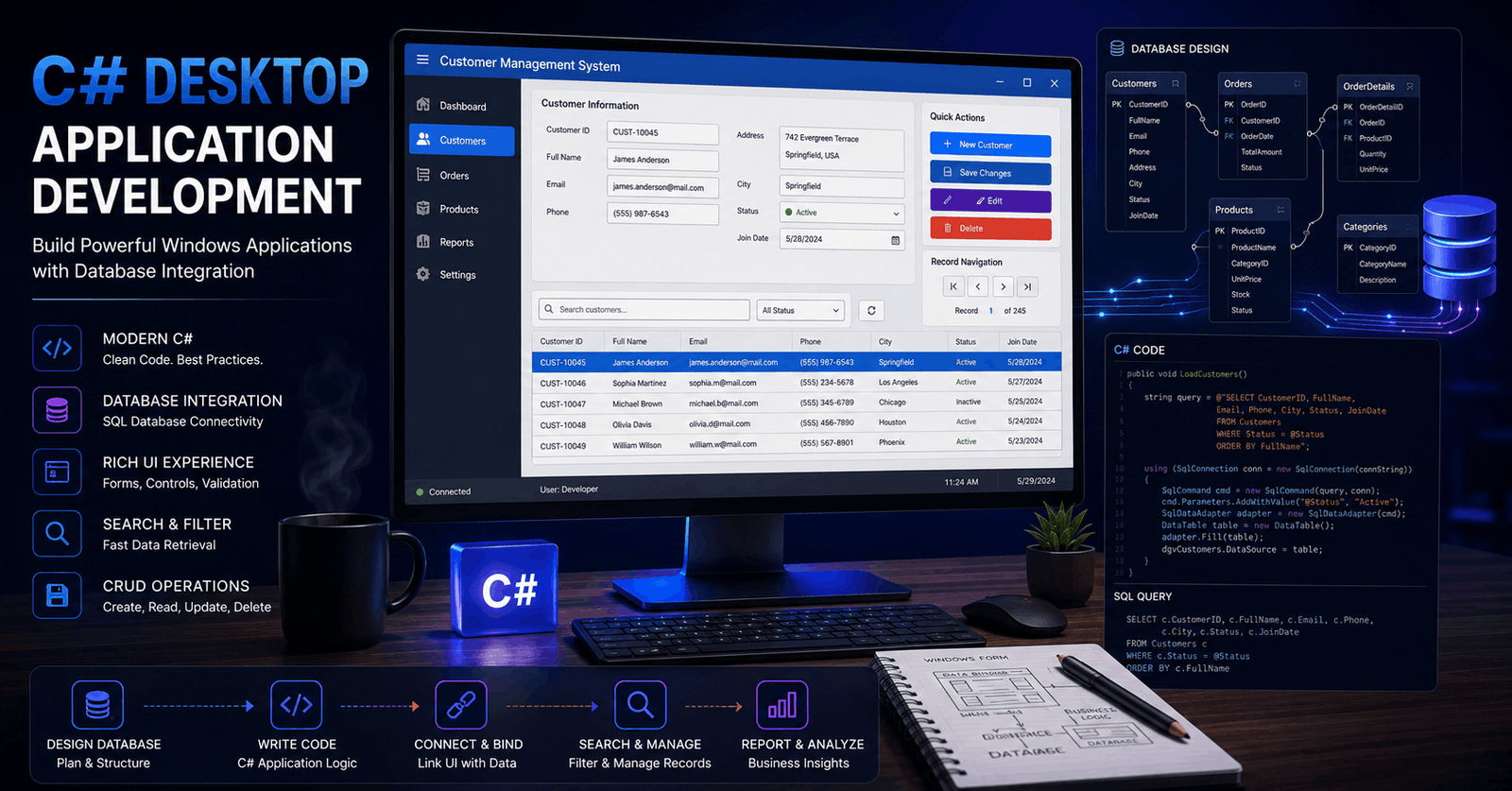
Build Windows Desktop Apps with C# and SQL Server: From Database to UI
Course Line237£490.00Original price was: £490.00.£14.99Current price is: £14.99.Surface Mining Operations Level 3 Advanced Diploma
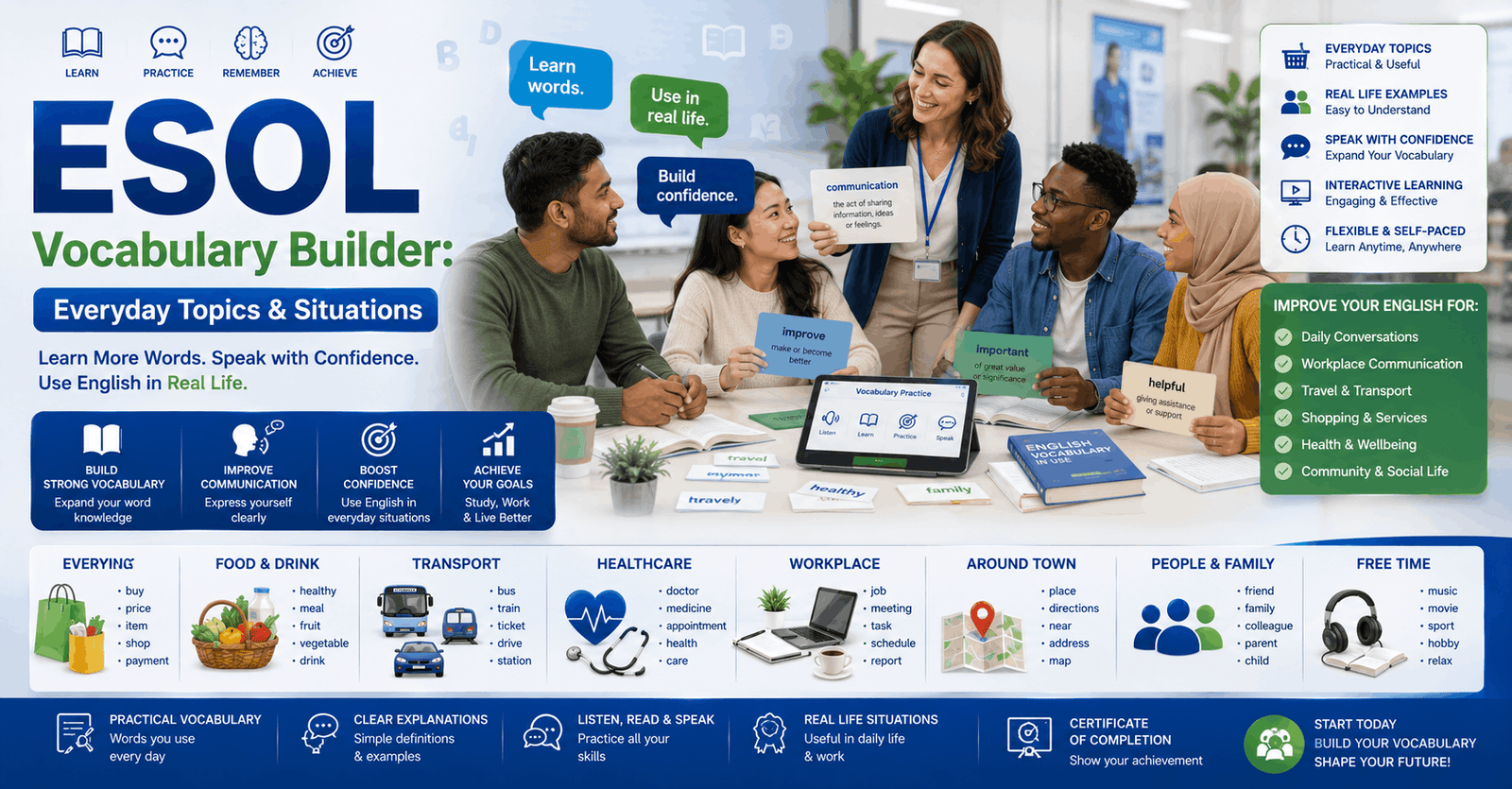
Course Line241£490.00Original price was: £490.00.£14.99Current price is: £14.99.ESOL Vocabulary Builder: Everyday Topics & Situations
Course Line238£490.00Original price was: £490.00.£14.99Current price is: £14.99.

Related Courses
Level 5 Youth Development Officer Course in Football
£490.00Original price was: £490.00.£14.99Current price is: £14.99.238Level 4 Youth Development Officer Course in Football
£490.00Original price was: £490.00.£14.99Current price is: £14.99.237Level 3 Youth Development Officer Course in Football
£490.00Original price was: £490.00.£14.99Current price is: £14.99.237




Related Courses
Level 5 Youth Development Officer Course in Football
£490.00Original price was: £490.00.£14.99Current price is: £14.99.238Level 4 Youth Development Officer Course in Football
£490.00Original price was: £490.00.£14.99Current price is: £14.99.237Level 3 Youth Development Officer Course in Football
£490.00Original price was: £490.00.£14.99Current price is: £14.99.237

