
Course Features
Price
Study Method
Online | Self-paced
Course Format
Reading Material - PDF, article
Duration
5 hours, 35 minutes
Qualification
No formal qualification
Certificate
At completion
Additional info
Coming soon
- Share
Overview
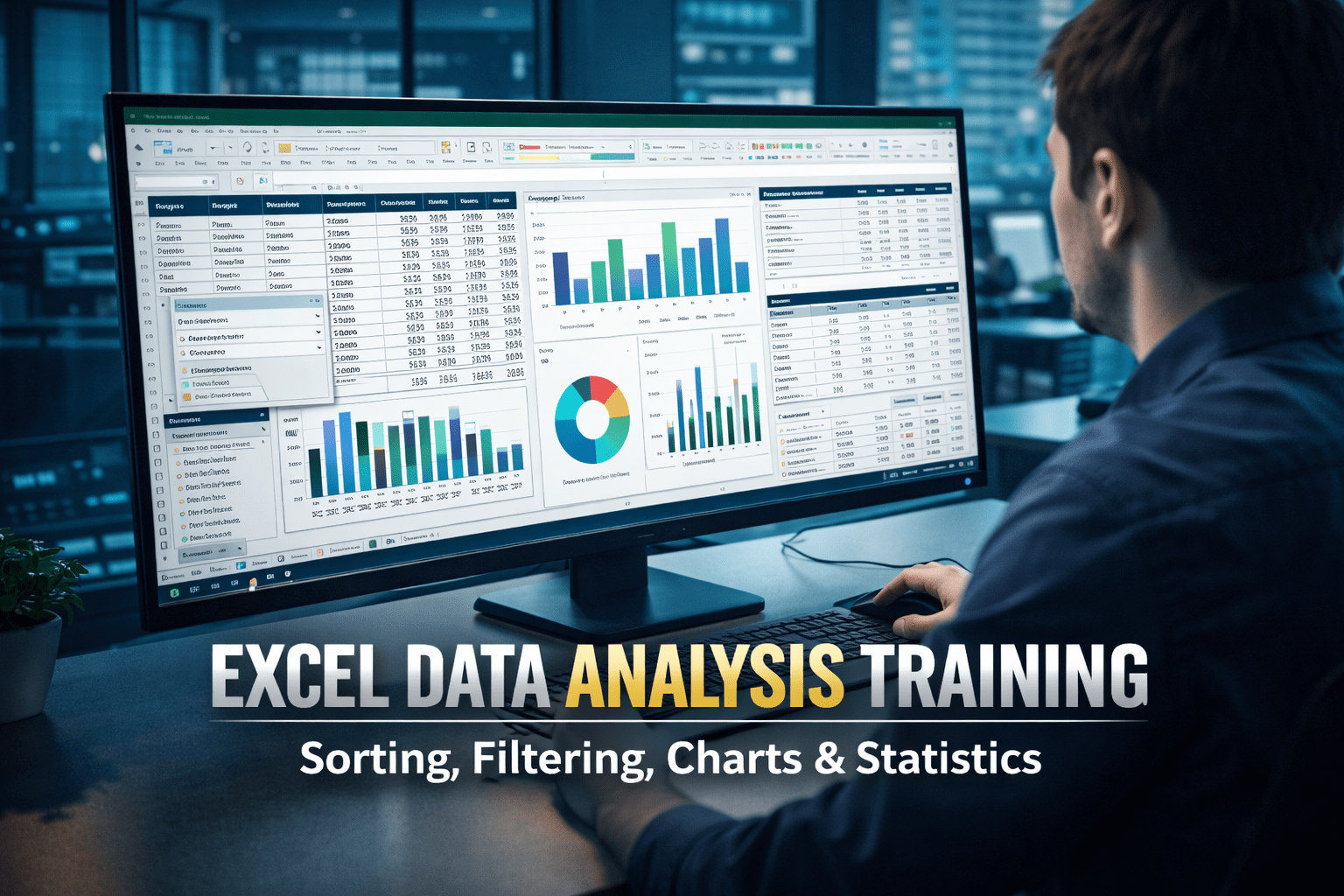
Excel data analysis is one of the most valuable skills in today’s data-driven workplaces, and this intensive bootcamp is designed to help learners turn raw spreadsheets into clear, actionable insights. This course focuses on practical techniques that professionals use every day to organise, clean, explore, and present data in a meaningful way.
You will learn how to sort and filter large datasets efficiently, create custom sorting rules, and remove duplicates so that your information is always accurate and easy to manage. As your skills develop, you will move on to building powerful visualisations, including bar charts, line graphs, pie charts, scatter plots, and Gantt charts, enabling you to communicate trends and patterns clearly to colleagues, managers, or clients.
The training also introduces structured tables and Excel’s built-in analysis tools, helping you manage growing datasets with confidence. You will explore how to use the Analysis ToolPak to run descriptive statistics, histograms, correlations, and advanced tests such as ANOVA and F-tests. These features allow you to move beyond basic reporting and into deeper analytical thinking, supporting better business, academic, and financial decisions.
What makes this bootcamp especially effective is its focus on hands-on learning. Each topic is designed to mirror real-world tasks, so learners gain skills that transfer directly to the workplace. Whether you are analysing sales data, project timelines, financial records, or research results, this course provides a structured pathway to more reliable and professional-looking outputs.
By the end of the programme, learners will feel confident working with complex spreadsheets, creating visual dashboards, and using statistical tools to support data-driven conclusions. At course completion, students receive a free course completion certificate, with the option to purchase premium certificates and official transcripts if formal documentation is required. Learners also benefit from 5-star rated support available 24/7 through email, ensuring guidance and assistance are always accessible throughout their studies.
This course is ideal for business professionals, students, analysts, accountants, project managers, and anyone who works with data in Excel. It is also suitable for beginners who want to build strong analytical skills for academic, financial, or office-based roles.
Who is this course for?
Excel data analysis is one of the most valuable skills in today’s data-driven workplaces, and this intensive bootcamp is designed to help learners turn raw spreadsheets into clear, actionable insights. This course focuses on practical techniques that professionals use every day to organise, clean, explore, and present data in a meaningful way.
You will learn how to sort and filter large datasets efficiently, create custom sorting rules, and remove duplicates so that your information is always accurate and easy to manage. As your skills develop, you will move on to building powerful visualisations, including bar charts, line graphs, pie charts, scatter plots, and Gantt charts, enabling you to communicate trends and patterns clearly to colleagues, managers, or clients.
The training also introduces structured tables and Excel’s built-in analysis tools, helping you manage growing datasets with confidence. You will explore how to use the Analysis ToolPak to run descriptive statistics, histograms, correlations, and advanced tests such as ANOVA and F-tests. These features allow you to move beyond basic reporting and into deeper analytical thinking, supporting better business, academic, and financial decisions.
What makes this bootcamp especially effective is its focus on hands-on learning. Each topic is designed to mirror real-world tasks, so learners gain skills that transfer directly to the workplace. Whether you are analysing sales data, project timelines, financial records, or research results, this course provides a structured pathway to more reliable and professional-looking outputs.
By the end of the programme, learners will feel confident working with complex spreadsheets, creating visual dashboards, and using statistical tools to support data-driven conclusions. At course completion, students receive a free course completion certificate, with the option to purchase premium certificates and official transcripts if formal documentation is required. Learners also benefit from 5-star rated support available 24/7 through email, ensuring guidance and assistance are always accessible throughout their studies.
This course is ideal for business professionals, students, analysts, accountants, project managers, and anyone who works with data in Excel. It is also suitable for beginners who want to build strong analytical skills for academic, financial, or office-based roles.
Requirements
Excel data analysis is one of the most valuable skills in today’s data-driven workplaces, and this intensive bootcamp is designed to help learners turn raw spreadsheets into clear, actionable insights. This course focuses on practical techniques that professionals use every day to organise, clean, explore, and present data in a meaningful way.
You will learn how to sort and filter large datasets efficiently, create custom sorting rules, and remove duplicates so that your information is always accurate and easy to manage. As your skills develop, you will move on to building powerful visualisations, including bar charts, line graphs, pie charts, scatter plots, and Gantt charts, enabling you to communicate trends and patterns clearly to colleagues, managers, or clients.
The training also introduces structured tables and Excel’s built-in analysis tools, helping you manage growing datasets with confidence. You will explore how to use the Analysis ToolPak to run descriptive statistics, histograms, correlations, and advanced tests such as ANOVA and F-tests. These features allow you to move beyond basic reporting and into deeper analytical thinking, supporting better business, academic, and financial decisions.
What makes this bootcamp especially effective is its focus on hands-on learning. Each topic is designed to mirror real-world tasks, so learners gain skills that transfer directly to the workplace. Whether you are analysing sales data, project timelines, financial records, or research results, this course provides a structured pathway to more reliable and professional-looking outputs.
By the end of the programme, learners will feel confident working with complex spreadsheets, creating visual dashboards, and using statistical tools to support data-driven conclusions. At course completion, students receive a free course completion certificate, with the option to purchase premium certificates and official transcripts if formal documentation is required. Learners also benefit from 5-star rated support available 24/7 through email, ensuring guidance and assistance are always accessible throughout their studies.
This course is ideal for business professionals, students, analysts, accountants, project managers, and anyone who works with data in Excel. It is also suitable for beginners who want to build strong analytical skills for academic, financial, or office-based roles.
Career path
Excel data analysis is one of the most valuable skills in today’s data-driven workplaces, and this intensive bootcamp is designed to help learners turn raw spreadsheets into clear, actionable insights. This course focuses on practical techniques that professionals use every day to organise, clean, explore, and present data in a meaningful way.
You will learn how to sort and filter large datasets efficiently, create custom sorting rules, and remove duplicates so that your information is always accurate and easy to manage. As your skills develop, you will move on to building powerful visualisations, including bar charts, line graphs, pie charts, scatter plots, and Gantt charts, enabling you to communicate trends and patterns clearly to colleagues, managers, or clients.
The training also introduces structured tables and Excel’s built-in analysis tools, helping you manage growing datasets with confidence. You will explore how to use the Analysis ToolPak to run descriptive statistics, histograms, correlations, and advanced tests such as ANOVA and F-tests. These features allow you to move beyond basic reporting and into deeper analytical thinking, supporting better business, academic, and financial decisions.
What makes this bootcamp especially effective is its focus on hands-on learning. Each topic is designed to mirror real-world tasks, so learners gain skills that transfer directly to the workplace. Whether you are analysing sales data, project timelines, financial records, or research results, this course provides a structured pathway to more reliable and professional-looking outputs.
By the end of the programme, learners will feel confident working with complex spreadsheets, creating visual dashboards, and using statistical tools to support data-driven conclusions. At course completion, students receive a free course completion certificate, with the option to purchase premium certificates and official transcripts if formal documentation is required. Learners also benefit from 5-star rated support available 24/7 through email, ensuring guidance and assistance are always accessible throughout their studies.
This course is ideal for business professionals, students, analysts, accountants, project managers, and anyone who works with data in Excel. It is also suitable for beginners who want to build strong analytical skills for academic, financial, or office-based roles.
-
- Welcome & Course Overview 00:10:00
-
- Creating Custom Sort Orders 00:10:00
- Sorting by Colour 00:10:00
- Reversing a List in Excel 00:10:00
- Sorting Data in Ascending and Descending Order 00:10:00
- Using Number and Text Filters 00:10:00
- Applying Date Filters 00:10:00
- Removing Duplicates 00:10:00
- Extracting Unique Values 00:10:00
- Using the FILTER Function 00:10:00
- Using Structured References 00:10:00
- Designing and Formatting Tables 00:10:00
- Adding and Enabling the Analysis ToolPak 00:10:00
- Exam of Excel Data Analysis Bootcamp 2023 – Master Sorting, Filtering, Charts & Statistics 00:50:00

No Reviews found for this course.
Is this certificate recognized?
Yes, our premium certificate and transcript are widely recognized and accepted by embassies worldwide, particularly by the UK embassy. This adds credibility to your qualification and enhances its value for professional and academic purposes.
I am a beginner. Is this course suitable for me?
Yes, this course is designed for learners of all levels, including beginners. The content is structured to provide step-by-step guidance, ensuring that even those with no prior experience can follow along and gain valuable knowledge.
I am a professional. Is this course suitable for me?
Yes, professionals will also benefit from this course. It covers advanced concepts, practical applications, and industry insights that can help enhance existing skills and knowledge. Whether you are looking to refine your expertise or expand your qualifications, this course provides valuable learning.
Does this course have an expiry date?
No, you have lifetime access to the course. Once enrolled, you can revisit the materials at any time as long as the course remains available. Additionally, we regularly update our content to ensure it stays relevant and up to date.
How do I claim my free certificate?
I trust you’re in good health. Your free certificate can be located in the Achievement section. The option to purchase a CPD certificate is available but entirely optional, and you may choose to skip it. Please be aware that it’s crucial to click the “Complete” button to ensure the certificate is generated, as this process is entirely automated.
Does this course have assessments and assignments?
Yes, the course includes both assessments and assignments. Your final marks will be determined by a combination of 20% from assignments and 80% from assessments. These evaluations are designed to test your understanding and ensure you have grasped the key concepts effectively.
Is this course accredited?
We are a recognized course provider with CPD, UKRLP, and AOHT membership. The logos of these accreditation bodies will be featured on your premium certificate and transcript, ensuring credibility and professional recognition.
Will I receive a certificate upon completion?
Yes, you will receive a free digital certificate automatically once you complete the course. If you would like a premium CPD-accredited certificate, either in digital or physical format, you can upgrade for a small fee.
Course Features
Price
Study Method
Online | Self-paced
Course Format
Reading Material - PDF, article
Duration
5 hours, 35 minutes
Qualification
No formal qualification
Certificate
At completion
Additional info
Coming soon
- Share

BTEC Level 3 National Extended Certificate in Sport
Course Line238$983.50Original price was: $983.50.$30.09Current price is: $30.09.Build Your Shopify Dropshipping Store: Quick & Easy Setup Guide
Course Line238$983.50Original price was: $983.50.$30.09Current price is: $30.09.Microneedling Safety and Best Practices
Course Line241$983.50Original price was: $983.50.$30.09Current price is: $30.09.



Related Courses
Software Engineering Level 8 Advanced Diploma
$983.50Original price was: $983.50.$30.09Current price is: $30.09.239Freelance Writing Mastery Build Multiple Income Streams as a Professional Writer
$983.50Original price was: $983.50.$30.09Current price is: $30.09.237Digital Marketing for Coaches: Build Your Brand, Audience & Clients
$983.50Original price was: $983.50.$30.09Current price is: $30.09.237




Related Courses
Software Engineering Level 8 Advanced Diploma
$983.50Original price was: $983.50.$30.09Current price is: $30.09.239Freelance Writing Mastery Build Multiple Income Streams as a Professional Writer
$983.50Original price was: $983.50.$30.09Current price is: $30.09.237Digital Marketing for Coaches: Build Your Brand, Audience & Clients
$983.50Original price was: $983.50.$30.09Current price is: $30.09.237

