
Completing this course can support roles that require strong digital document-creation skills, including administrative work, content creation, office coordination, academic support, marketing assistance and freelance digital services. It also provides a useful foundation for further training in desktop publishing, digital design, productivity software and office technology.
Course Features
Price
Study Method
Online | Self-paced
Course Format
Reading Material - PDF, article
Duration
4 hours, 55 minutes
Qualification
No formal qualification
Certificate
At completion
Additional info
Coming soon
- Share
Overview
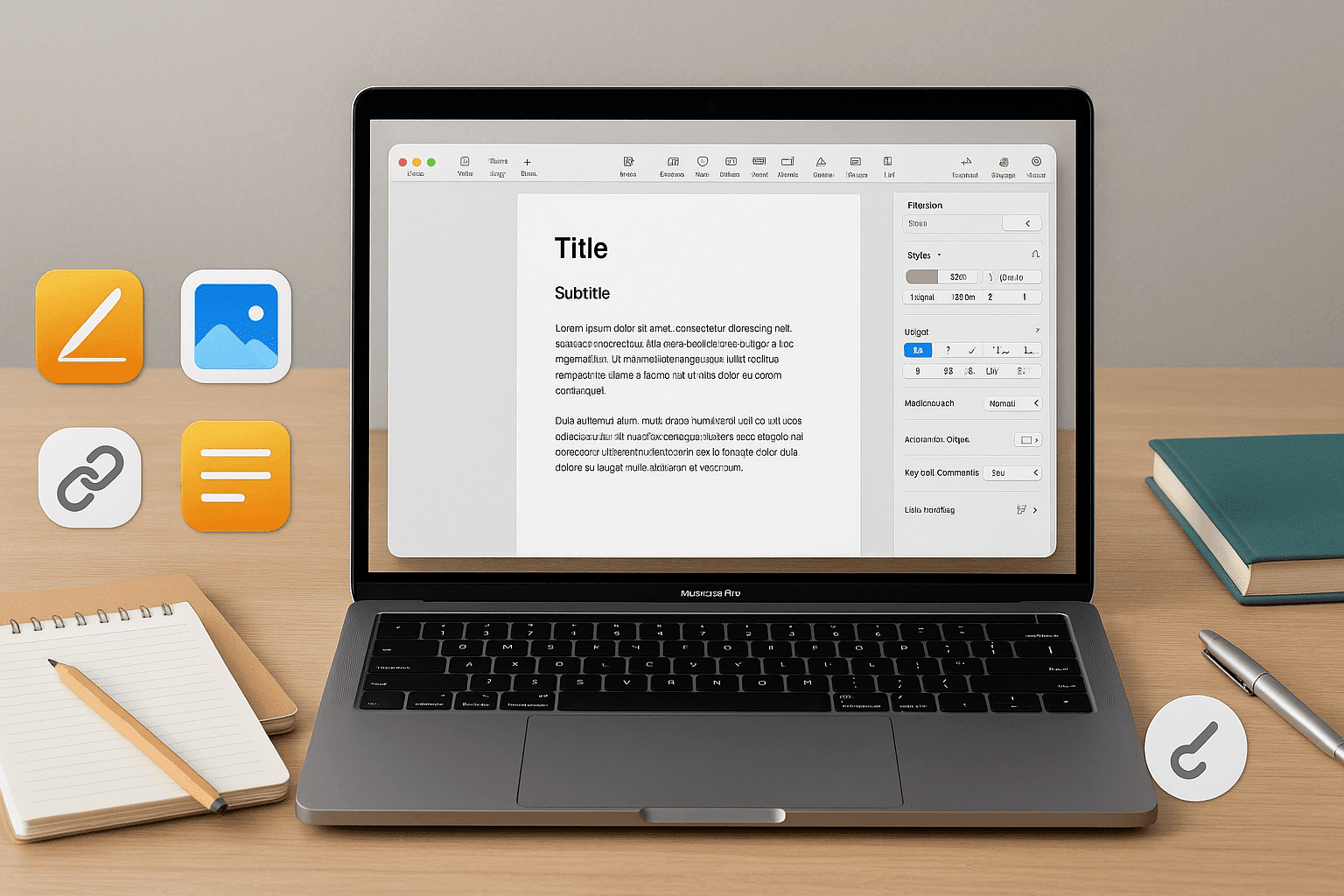
Apple Pages essentials provide the foundation you need to create professional, polished and visually consistent documents across personal, academic and workplace settings. This course takes you from complete beginner to confident Pages user, guiding you through each feature in a logical, practical sequence. Instead of overwhelming you with technical terms, it focuses on real-world skills—those you can apply immediately to improve your writing, layout design and document organisation.
You will begin by learning how Pages works at its core: creating documents, adjusting preferences and navigating the interface with ease. From there, the course moves into the essentials of formatting, showing you how to style text, insert graphics, manage layout options and create structured pages with headers, footers and automatic tables of contents. Every tool is introduced through simple, meaningful examples that help you understand not only how each feature works, but why and when to use it.
As you progress, you will explore more advanced tools that elevate your documents beyond basic writing. You’ll work with tables, charts, shapes and templates to present information clearly and professionally. Collaboration features such as commenting, shared editing and iCloud integration ensure that you can work effectively with classmates, colleagues or clients—even remotely. The course also includes time-saving techniques, keyboard shortcuts, automation tips and troubleshooting methods to help you work more efficiently.
By the end of the course, you will know how to design structured documents, customise templates, collaborate with others and use advanced formatting to create polished, modern results. Whether you want to strengthen your digital skills, improve workplace productivity or expand your creative toolkit, this course provides a supportive and flexible path to mastering Pages.
All learners receive a free course completion certificate, and optional premium certificates and transcripts are available for purchase if desired. You will also have access to 5-star rated support, available 24/7 through email, ensuring help is always available.
This course is ideal for students, professionals, freelancers and beginners who want to create clean, organised and visually appealing documents using Apple Pages. It is equally useful for anyone transitioning from other word processors or seeking to improve digital productivity for academic assignments, business use or personal projects.
Learners should have basic computer skills and access to a Mac, iPad or iPhone with the Apple Pages app installed. No previous knowledge of document design or word processing is required. The course is designed to be accessible for complete beginners while still offering depth for more experienced users.
Who is this course for?
Apple Pages essentials provide the foundation you need to create professional, polished and visually consistent documents across personal, academic and workplace settings. This course takes you from complete beginner to confident Pages user, guiding you through each feature in a logical, practical sequence. Instead of overwhelming you with technical terms, it focuses on real-world skills—those you can apply immediately to improve your writing, layout design and document organisation.
You will begin by learning how Pages works at its core: creating documents, adjusting preferences and navigating the interface with ease. From there, the course moves into the essentials of formatting, showing you how to style text, insert graphics, manage layout options and create structured pages with headers, footers and automatic tables of contents. Every tool is introduced through simple, meaningful examples that help you understand not only how each feature works, but why and when to use it.
As you progress, you will explore more advanced tools that elevate your documents beyond basic writing. You’ll work with tables, charts, shapes and templates to present information clearly and professionally. Collaboration features such as commenting, shared editing and iCloud integration ensure that you can work effectively with classmates, colleagues or clients—even remotely. The course also includes time-saving techniques, keyboard shortcuts, automation tips and troubleshooting methods to help you work more efficiently.
By the end of the course, you will know how to design structured documents, customise templates, collaborate with others and use advanced formatting to create polished, modern results. Whether you want to strengthen your digital skills, improve workplace productivity or expand your creative toolkit, this course provides a supportive and flexible path to mastering Pages.
All learners receive a free course completion certificate, and optional premium certificates and transcripts are available for purchase if desired. You will also have access to 5-star rated support, available 24/7 through email, ensuring help is always available.
This course is ideal for students, professionals, freelancers and beginners who want to create clean, organised and visually appealing documents using Apple Pages. It is equally useful for anyone transitioning from other word processors or seeking to improve digital productivity for academic assignments, business use or personal projects.
Learners should have basic computer skills and access to a Mac, iPad or iPhone with the Apple Pages app installed. No previous knowledge of document design or word processing is required. The course is designed to be accessible for complete beginners while still offering depth for more experienced users.
Completing this course can support roles that require strong digital document-creation skills, including administrative work, content creation, office coordination, academic support, marketing assistance and freelance digital services. It also provides a useful foundation for further training in desktop publishing, digital design, productivity software and office technology.
Requirements
Apple Pages essentials provide the foundation you need to create professional, polished and visually consistent documents across personal, academic and workplace settings. This course takes you from complete beginner to confident Pages user, guiding you through each feature in a logical, practical sequence. Instead of overwhelming you with technical terms, it focuses on real-world skills—those you can apply immediately to improve your writing, layout design and document organisation.
You will begin by learning how Pages works at its core: creating documents, adjusting preferences and navigating the interface with ease. From there, the course moves into the essentials of formatting, showing you how to style text, insert graphics, manage layout options and create structured pages with headers, footers and automatic tables of contents. Every tool is introduced through simple, meaningful examples that help you understand not only how each feature works, but why and when to use it.
As you progress, you will explore more advanced tools that elevate your documents beyond basic writing. You’ll work with tables, charts, shapes and templates to present information clearly and professionally. Collaboration features such as commenting, shared editing and iCloud integration ensure that you can work effectively with classmates, colleagues or clients—even remotely. The course also includes time-saving techniques, keyboard shortcuts, automation tips and troubleshooting methods to help you work more efficiently.
By the end of the course, you will know how to design structured documents, customise templates, collaborate with others and use advanced formatting to create polished, modern results. Whether you want to strengthen your digital skills, improve workplace productivity or expand your creative toolkit, this course provides a supportive and flexible path to mastering Pages.
All learners receive a free course completion certificate, and optional premium certificates and transcripts are available for purchase if desired. You will also have access to 5-star rated support, available 24/7 through email, ensuring help is always available.
This course is ideal for students, professionals, freelancers and beginners who want to create clean, organised and visually appealing documents using Apple Pages. It is equally useful for anyone transitioning from other word processors or seeking to improve digital productivity for academic assignments, business use or personal projects.
Learners should have basic computer skills and access to a Mac, iPad or iPhone with the Apple Pages app installed. No previous knowledge of document design or word processing is required. The course is designed to be accessible for complete beginners while still offering depth for more experienced users.
Completing this course can support roles that require strong digital document-creation skills, including administrative work, content creation, office coordination, academic support, marketing assistance and freelance digital services. It also provides a useful foundation for further training in desktop publishing, digital design, productivity software and office technology.
Career path
Apple Pages essentials provide the foundation you need to create professional, polished and visually consistent documents across personal, academic and workplace settings. This course takes you from complete beginner to confident Pages user, guiding you through each feature in a logical, practical sequence. Instead of overwhelming you with technical terms, it focuses on real-world skills—those you can apply immediately to improve your writing, layout design and document organisation.
You will begin by learning how Pages works at its core: creating documents, adjusting preferences and navigating the interface with ease. From there, the course moves into the essentials of formatting, showing you how to style text, insert graphics, manage layout options and create structured pages with headers, footers and automatic tables of contents. Every tool is introduced through simple, meaningful examples that help you understand not only how each feature works, but why and when to use it.
As you progress, you will explore more advanced tools that elevate your documents beyond basic writing. You’ll work with tables, charts, shapes and templates to present information clearly and professionally. Collaboration features such as commenting, shared editing and iCloud integration ensure that you can work effectively with classmates, colleagues or clients—even remotely. The course also includes time-saving techniques, keyboard shortcuts, automation tips and troubleshooting methods to help you work more efficiently.
By the end of the course, you will know how to design structured documents, customise templates, collaborate with others and use advanced formatting to create polished, modern results. Whether you want to strengthen your digital skills, improve workplace productivity or expand your creative toolkit, this course provides a supportive and flexible path to mastering Pages.
All learners receive a free course completion certificate, and optional premium certificates and transcripts are available for purchase if desired. You will also have access to 5-star rated support, available 24/7 through email, ensuring help is always available.
This course is ideal for students, professionals, freelancers and beginners who want to create clean, organised and visually appealing documents using Apple Pages. It is equally useful for anyone transitioning from other word processors or seeking to improve digital productivity for academic assignments, business use or personal projects.
Learners should have basic computer skills and access to a Mac, iPad or iPhone with the Apple Pages app installed. No previous knowledge of document design or word processing is required. The course is designed to be accessible for complete beginners while still offering depth for more experienced users.
Completing this course can support roles that require strong digital document-creation skills, including administrative work, content creation, office coordination, academic support, marketing assistance and freelance digital services. It also provides a useful foundation for further training in desktop publishing, digital design, productivity software and office technology.
-
- Getting Started with Pages 00:10:00
- Exploring the User Interface 00:10:00
- Creating and Saving Documents 00:10:00
- Customizing Preferences 00:10:00
-
- Text Formatting and Styling 00:10:00
- Adding and Formatting Images 00:10:00
- Page Layout and Margins 00:10:00
- Headers and Footers 00:10:00
- Page Numbers and Table of Contents 00:10:00
- Working with Tables 00:10:00
- Creating and Formatting Charts 00:10:00
- Shapes and Graphics 00:10:00
- Mastering Styles and Templates 00:10:00
- Using Templates Effectively 00:10:00
- Keyboard Shortcuts and Productivity Tips 00:10:00
- Automating Repetitive Tasks 00:10:00
- Exam of Apple Pages Essentials: From Beginner to Pro 00:50:00

No Reviews found for this course.
Is this certificate recognized?
Yes, our premium certificate and transcript are widely recognized and accepted by embassies worldwide, particularly by the UK embassy. This adds credibility to your qualification and enhances its value for professional and academic purposes.
I am a beginner. Is this course suitable for me?
Yes, this course is designed for learners of all levels, including beginners. The content is structured to provide step-by-step guidance, ensuring that even those with no prior experience can follow along and gain valuable knowledge.
I am a professional. Is this course suitable for me?
Yes, professionals will also benefit from this course. It covers advanced concepts, practical applications, and industry insights that can help enhance existing skills and knowledge. Whether you are looking to refine your expertise or expand your qualifications, this course provides valuable learning.
Does this course have an expiry date?
No, you have lifetime access to the course. Once enrolled, you can revisit the materials at any time as long as the course remains available. Additionally, we regularly update our content to ensure it stays relevant and up to date.
How do I claim my free certificate?
I trust you’re in good health. Your free certificate can be located in the Achievement section. The option to purchase a CPD certificate is available but entirely optional, and you may choose to skip it. Please be aware that it’s crucial to click the “Complete” button to ensure the certificate is generated, as this process is entirely automated.
Does this course have assessments and assignments?
Yes, the course includes both assessments and assignments. Your final marks will be determined by a combination of 20% from assignments and 80% from assessments. These evaluations are designed to test your understanding and ensure you have grasped the key concepts effectively.
Is this course accredited?
We are a recognized course provider with CPD, UKRLP, and AOHT membership. The logos of these accreditation bodies will be featured on your premium certificate and transcript, ensuring credibility and professional recognition.
Will I receive a certificate upon completion?
Yes, you will receive a free digital certificate automatically once you complete the course. If you would like a premium CPD-accredited certificate, either in digital or physical format, you can upgrade for a small fee.
Course Features
Price
Study Method
Online | Self-paced
Course Format
Reading Material - PDF, article
Duration
4 hours, 55 minutes
Qualification
No formal qualification
Certificate
At completion
Additional info
Coming soon
- Share
{"title":"","show_title":"0","post_type":"course","taxonomy":"","term":"0","post_ids":"","course_style":"random","featured_style":"course4","masonry":"","grid_columns":"clear1 col-md-12","column_width":"268","gutter":"30","grid_number":"3","infinite":"","pagination":"","grid_excerpt_length":"100","grid_link":"1","grid_search":"0","course_type":"","css_class":"","container_css":"","custom_css":""}

Hairdressing Level 3 Advanced Diploma
Course Line279ر.س2,475.21Original price was: ر.س2,475.21.ر.س75.72Current price is: ر.س75.72.Oncology Level 3 Advanced Diploma
Course Line251ر.س2,475.21Original price was: ر.س2,475.21.ر.س75.72Current price is: ر.س75.72.Certification in Aromatherapy for Chakra Healing: Essential Oils and Energy Balance
Course Line238ر.س2,475.21Original price was: ر.س2,475.21.ر.س75.72Current price is: ر.س75.72.



Related Courses
Microsoft Excel for Business: Beginner to Advanced Data Analysis
ر.س2,475.21Original price was: ر.س2,475.21.ر.س75.72Current price is: ر.س75.72.237Financial Modelling in Excel: Build Forecasting & Budget Models
ر.س2,475.21Original price was: ر.س2,475.21.ر.س75.72Current price is: ر.س75.72.237Email Marketing Mastery: Build, Automate & Optimise High-Converting Campaigns
ر.س2,475.21Original price was: ر.س2,475.21.ر.س75.72Current price is: ر.س75.72.237




Related Courses
Microsoft Excel for Business: Beginner to Advanced Data Analysis
ر.س2,475.21Original price was: ر.س2,475.21.ر.س75.72Current price is: ر.س75.72.237Financial Modelling in Excel: Build Forecasting & Budget Models
ر.س2,475.21Original price was: ر.س2,475.21.ر.س75.72Current price is: ر.س75.72.237Email Marketing Mastery: Build, Automate & Optimise High-Converting Campaigns
ر.س2,475.21Original price was: ر.س2,475.21.ر.س75.72Current price is: ر.س75.72.237

