
Course Features
Price
Study Method
Online | Self-paced
Course Format
Interactive PDFs, Articles & Learning Resources
Duration
15 hours, 35 minutes
Qualification
Professional Skills Development Course
Assessment
Final MCQ Exam (included in price)
Certificate
Verifiable Digital Certificate - Free
Additional info
Lifetime Access | Start Instantly
- Share
Overview
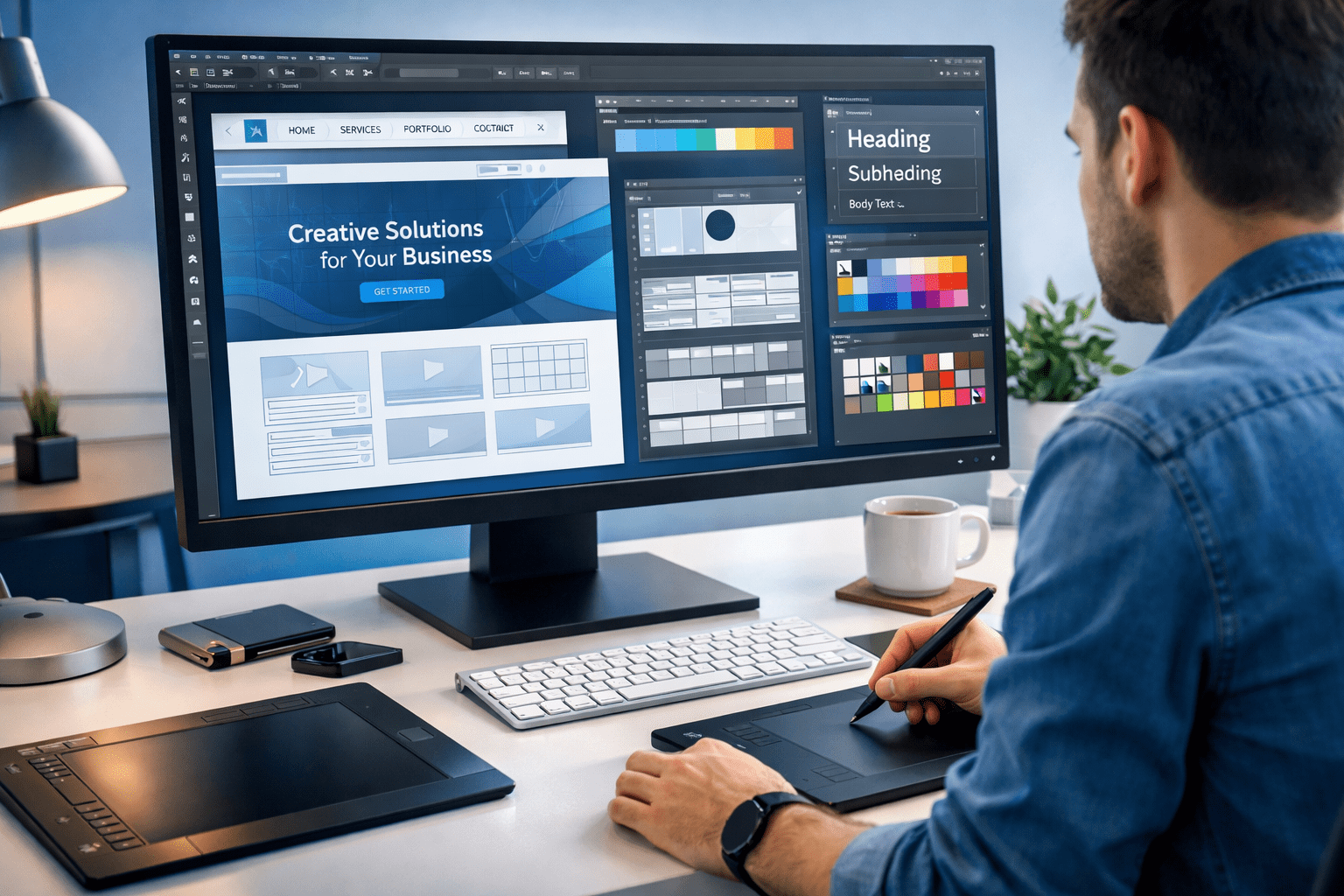
Affinity Web Design is a complete, hands-on masterclass that takes you from blank canvas to fully structured, visually polished website layouts using Affinity Designer. This course is built for anyone who wants to design professional-quality websites without relying on complex or expensive software. You will learn how modern websites are planned, structured, and designed, giving you both creative freedom and practical design discipline.
Throughout the programme, you will develop strong visual design skills including colour theory, typography, layout balance, spacing, and grid systems. You will also learn how to create wireframes that act as blueprints for a website before moving into detailed UI layouts. By following a real design workflow, you will understand how designers turn ideas into clean, functional, and attractive web pages that work across different screen sizes.
The course goes beyond simple page design. You will build reusable UI components, work with images and icons, organise design assets, and create consistent design systems that save time and improve quality. By completing multiple full-website projects, you gain the confidence to design home pages, blog layouts, single post pages, and responsive interface elements with a professional finish.
Affinity Web Design training in this masterclass is delivered in a step-by-step format that allows you to follow along and apply what you learn immediately. You can pause, rewind, and revisit lessons whenever you need, making it ideal for beginners and experienced designers alike. The skills you develop can be used for freelance work, agency projects, or building your own websites.
When you complete the course, you will receive a free course completion certificate. If you need formal proof of learning, premium certificates and official transcripts are also available to purchase. You will also have access to 5-star rated student support available 24/7 via email, so expert help is always available whenever you need guidance.
Who is this course for?
Affinity Web Design is a complete, hands-on masterclass that takes you from blank canvas to fully structured, visually polished website layouts using Affinity Designer. This course is built for anyone who wants to design professional-quality websites without relying on complex or expensive software. You will learn how modern websites are planned, structured, and designed, giving you both creative freedom and practical design discipline.
Throughout the programme, you will develop strong visual design skills including colour theory, typography, layout balance, spacing, and grid systems. You will also learn how to create wireframes that act as blueprints for a website before moving into detailed UI layouts. By following a real design workflow, you will understand how designers turn ideas into clean, functional, and attractive web pages that work across different screen sizes.
The course goes beyond simple page design. You will build reusable UI components, work with images and icons, organise design assets, and create consistent design systems that save time and improve quality. By completing multiple full-website projects, you gain the confidence to design home pages, blog layouts, single post pages, and responsive interface elements with a professional finish.
Affinity Web Design training in this masterclass is delivered in a step-by-step format that allows you to follow along and apply what you learn immediately. You can pause, rewind, and revisit lessons whenever you need, making it ideal for beginners and experienced designers alike. The skills you develop can be used for freelance work, agency projects, or building your own websites.
When you complete the course, you will receive a free course completion certificate. If you need formal proof of learning, premium certificates and official transcripts are also available to purchase. You will also have access to 5-star rated student support available 24/7 via email, so expert help is always available whenever you need guidance.
Requirements
Affinity Web Design is a complete, hands-on masterclass that takes you from blank canvas to fully structured, visually polished website layouts using Affinity Designer. This course is built for anyone who wants to design professional-quality websites without relying on complex or expensive software. You will learn how modern websites are planned, structured, and designed, giving you both creative freedom and practical design discipline.
Throughout the programme, you will develop strong visual design skills including colour theory, typography, layout balance, spacing, and grid systems. You will also learn how to create wireframes that act as blueprints for a website before moving into detailed UI layouts. By following a real design workflow, you will understand how designers turn ideas into clean, functional, and attractive web pages that work across different screen sizes.
The course goes beyond simple page design. You will build reusable UI components, work with images and icons, organise design assets, and create consistent design systems that save time and improve quality. By completing multiple full-website projects, you gain the confidence to design home pages, blog layouts, single post pages, and responsive interface elements with a professional finish.
Affinity Web Design training in this masterclass is delivered in a step-by-step format that allows you to follow along and apply what you learn immediately. You can pause, rewind, and revisit lessons whenever you need, making it ideal for beginners and experienced designers alike. The skills you develop can be used for freelance work, agency projects, or building your own websites.
When you complete the course, you will receive a free course completion certificate. If you need formal proof of learning, premium certificates and official transcripts are also available to purchase. You will also have access to 5-star rated student support available 24/7 via email, so expert help is always available whenever you need guidance.
Career path
Affinity Web Design is a complete, hands-on masterclass that takes you from blank canvas to fully structured, visually polished website layouts using Affinity Designer. This course is built for anyone who wants to design professional-quality websites without relying on complex or expensive software. You will learn how modern websites are planned, structured, and designed, giving you both creative freedom and practical design discipline.
Throughout the programme, you will develop strong visual design skills including colour theory, typography, layout balance, spacing, and grid systems. You will also learn how to create wireframes that act as blueprints for a website before moving into detailed UI layouts. By following a real design workflow, you will understand how designers turn ideas into clean, functional, and attractive web pages that work across different screen sizes.
The course goes beyond simple page design. You will build reusable UI components, work with images and icons, organise design assets, and create consistent design systems that save time and improve quality. By completing multiple full-website projects, you gain the confidence to design home pages, blog layouts, single post pages, and responsive interface elements with a professional finish.
Affinity Web Design training in this masterclass is delivered in a step-by-step format that allows you to follow along and apply what you learn immediately. You can pause, rewind, and revisit lessons whenever you need, making it ideal for beginners and experienced designers alike. The skills you develop can be used for freelance work, agency projects, or building your own websites.
When you complete the course, you will receive a free course completion certificate. If you need formal proof of learning, premium certificates and official transcripts are also available to purchase. You will also have access to 5-star rated student support available 24/7 via email, so expert help is always available whenever you need guidance.
-
- Course Introduction of affinity designer 00:10:00
- Prome Video – Web Design & Affinity Designer 00:10:00
-
- What Is Affinity Designer? Setting Up for Web Design 00:10:00
- Affinity Designer’s Web Design Capabilities 00:10:00
- Top 10 Principles of Good Web Design – Part 1 00:10:00
- Top 10 Principles of Good Web Design – Part 2 00:10:00
- A Short History of Web Typography 00:10:00
- How to Choose the Right Fonts for Headings 00:10:00
- How to Mix Fonts for Headings and Body Text 00:10:00
- Selecting the Perfect Font for UI Design 00:10:00
- Seven Web Design Trends Dominating the Industry 00:10:00
- Where to Find the Right Design Inspiration 00:10:00
- Design Workflow Overview 00:10:00
- Creating Color Swatches 00:10:00
- Creating Text Styles 00:10:00
- Organising Images and Icons 00:10:00
- Adding the Main Hero Image 00:10:00
- Quickly Resizing Images 00:10:00
- Darkening the Hero Image 00:10:00
- Adding the Main Hero Text 00:10:00
- Adding Slider Navigation Elements 00:10:00
- Building the Blog Section Structure 00:10:00
- Replacing Blog Images 00:10:00
- Exploring the Blog Wireframe 00:10:00
- Reviewing the Blog Design 00:10:00
- Using Blog-Specific Assets 00:10:00
- Adding the First Set of Images 00:10:00
- Applying Shading to Images 00:10:00
- Adding Navigation Buttons 00:10:00
- Creating the Blog Post Grid 00:10:00
- Designing the First Blog Post Card 00:10:00
- Adding Remaining Cards 00:10:00
- Adding the “Older Posts” Link 00:10:00
- Creating the Footer Section 00:10:00
- Exploring Footer Design Variations 00:10:00
- Completing the Footer and Finishing the Project 00:10:00
- Creating the Comments Layout 00:10:00
- Adding Comment Texts 00:10:00
- Designing the Comment Submission Form 00:10:00
- Outro – Thank You for Completing the Course 00:10:00
- Premium Certificate 00:15:00

No Reviews found for this course.
Is this certificate recognized?
Yes, our premium certificate and transcript are widely recognized and accepted by embassies worldwide, particularly by the UK embassy. This adds credibility to your qualification and enhances its value for professional and academic purposes.
I am a beginner. Is this course suitable for me?
Yes, this course is designed for learners of all levels, including beginners. The content is structured to provide step-by-step guidance, ensuring that even those with no prior experience can follow along and gain valuable knowledge.
I am a professional. Is this course suitable for me?
Yes, professionals will also benefit from this course. It covers advanced concepts, practical applications, and industry insights that can help enhance existing skills and knowledge. Whether you are looking to refine your expertise or expand your qualifications, this course provides valuable learning.
Does this course have an expiry date?
No, you have lifetime access to the course. Once enrolled, you can revisit the materials at any time as long as the course remains available. Additionally, we regularly update our content to ensure it stays relevant and up to date.
How do I claim my free certificate?
I trust you’re in good health. Your free certificate can be located in the Achievement section. The option to purchase a CPD certificate is available but entirely optional, and you may choose to skip it. Please be aware that it’s crucial to click the “Complete” button to ensure the certificate is generated, as this process is entirely automated.
Does this course have assessments and assignments?
Yes, the course includes both assessments and assignments. Your final marks will be determined by a combination of 20% from assignments and 80% from assessments. These evaluations are designed to test your understanding and ensure you have grasped the key concepts effectively.
Is this course accredited?
We are a recognized course provider with CPD, UKRLP, and AOHT membership. The logos of these accreditation bodies will be featured on your premium certificate and transcript, ensuring credibility and professional recognition.
Will I receive a certificate upon completion?
Yes, you will receive a free digital certificate automatically once you complete the course. If you would like a premium CPD-accredited certificate, either in digital or physical format, you can upgrade for a small fee.
Course Features
Price
Study Method
Online | Self-paced
Course Format
Interactive PDFs, Articles & Learning Resources
Duration
15 hours, 35 minutes
Qualification
Professional Skills Development Course
Assessment
Final MCQ Exam (included in price)
Certificate
Verifiable Digital Certificate - Free
Additional info
Lifetime Access | Start Instantly
- Share

Email Marketing Mastery: Build, Automate & Optimise High-Converting Campaigns
Course Line237£490.00Original price was: £490.00.£14.99Current price is: £14.99.Director of Football Level 2: Talent Identification and Scouting Essentials
Course Line239£490.00Original price was: £490.00.£14.99Current price is: £14.99.Housekeeping Management Level 3 Advanced Diploma
Course Line243£490.00Original price was: £490.00.£14.99Current price is: £14.99.



Related Courses
AutoCAD Floor Plan Rendering in Photoshop: Architectural Visualisation Professional Training
£490.00Original price was: £490.00.£14.99Current price is: £14.99.237C++ Programming for Beginners: From Zero to AI-Ready Developer
£490.00Original price was: £490.00.£14.99Current price is: £14.99.237Microsoft SQL Server & T-SQL Certification Training: Beginner to Advanced
£490.00Original price was: £490.00.£14.99Current price is: £14.99.237




Related Courses
AutoCAD Floor Plan Rendering in Photoshop: Architectural Visualisation Professional Training
£490.00Original price was: £490.00.£14.99Current price is: £14.99.237C++ Programming for Beginners: From Zero to AI-Ready Developer
£490.00Original price was: £490.00.£14.99Current price is: £14.99.237Microsoft SQL Server & T-SQL Certification Training: Beginner to Advanced
£490.00Original price was: £490.00.£14.99Current price is: £14.99.237

