
Course Features
Price
Study Method
Online | Self-paced
Course Format
Reading Material - PDF, article
Duration
9 hours, 35 minutes
Qualification
No formal qualification
Certificate
At completion
Additional info
Coming soon
- Share
Overview
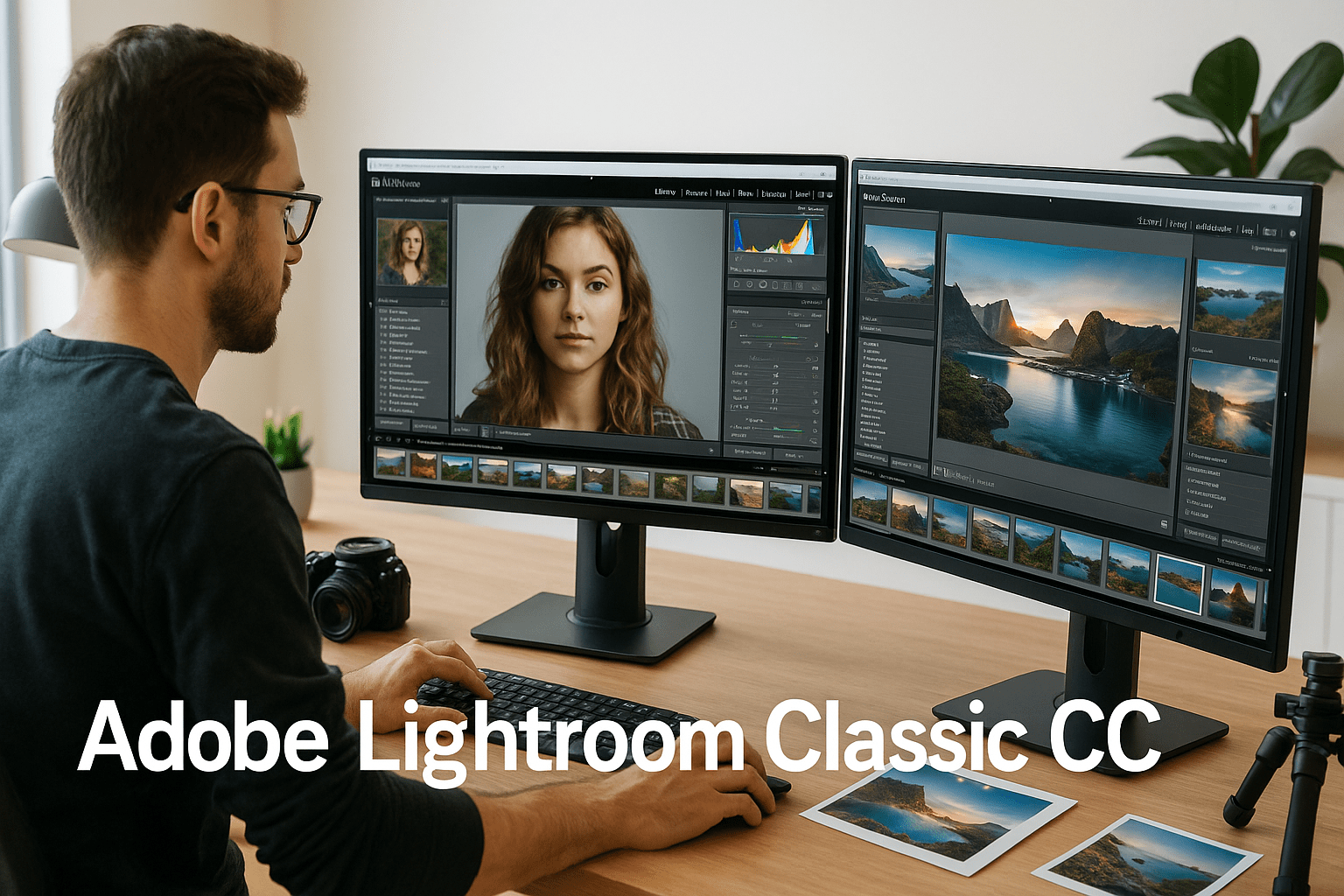
Adobe Lightroom Classic CC is your gateway to mastering professional photo editing, organisation, and presentation in one powerful platform. This course walks you through every essential module — from setting up catalogues and managing file formats to creating captivating slideshows, print layouts, and web galleries. You’ll gain hands-on experience with Lightroom’s advanced editing tools, learn how to apply custom watermarks, optimise colour space, and export high-quality images suitable for print or digital display.
Throughout the course, you’ll explore how to refine your workflow, edit RAW images non-destructively, and integrate Lightroom with other applications for seamless professional output. You’ll also learn to design visually impressive slideshows with music and transitions, prepare gallery layouts for clients, and publish stunning web portfolios directly from Lightroom. The course provides clear, step-by-step guidance that transforms complex editing processes into simple, repeatable techniques.
Whether you’re an aspiring photographer, creative professional, or hobbyist, this course helps you develop the technical precision and artistic confidence to present your work at a professional level. By the end, you’ll be fully equipped to handle image curation, editing, printing, and online publishing — all within Lightroom Classic CC.
Upon successful completion, learners will receive a free course completion certificate. Additionally, premium certificate and transcript options are available for those who wish to further verify their achievement. Our 5-star rated support team is available 24/7 via email to assist with any queries throughout your learning journey.
Who is this course for?
Adobe Lightroom Classic CC is your gateway to mastering professional photo editing, organisation, and presentation in one powerful platform. This course walks you through every essential module — from setting up catalogues and managing file formats to creating captivating slideshows, print layouts, and web galleries. You’ll gain hands-on experience with Lightroom’s advanced editing tools, learn how to apply custom watermarks, optimise colour space, and export high-quality images suitable for print or digital display.
Throughout the course, you’ll explore how to refine your workflow, edit RAW images non-destructively, and integrate Lightroom with other applications for seamless professional output. You’ll also learn to design visually impressive slideshows with music and transitions, prepare gallery layouts for clients, and publish stunning web portfolios directly from Lightroom. The course provides clear, step-by-step guidance that transforms complex editing processes into simple, repeatable techniques.
Whether you’re an aspiring photographer, creative professional, or hobbyist, this course helps you develop the technical precision and artistic confidence to present your work at a professional level. By the end, you’ll be fully equipped to handle image curation, editing, printing, and online publishing — all within Lightroom Classic CC.
Upon successful completion, learners will receive a free course completion certificate. Additionally, premium certificate and transcript options are available for those who wish to further verify their achievement. Our 5-star rated support team is available 24/7 via email to assist with any queries throughout your learning journey.
Requirements
Adobe Lightroom Classic CC is your gateway to mastering professional photo editing, organisation, and presentation in one powerful platform. This course walks you through every essential module — from setting up catalogues and managing file formats to creating captivating slideshows, print layouts, and web galleries. You’ll gain hands-on experience with Lightroom’s advanced editing tools, learn how to apply custom watermarks, optimise colour space, and export high-quality images suitable for print or digital display.
Throughout the course, you’ll explore how to refine your workflow, edit RAW images non-destructively, and integrate Lightroom with other applications for seamless professional output. You’ll also learn to design visually impressive slideshows with music and transitions, prepare gallery layouts for clients, and publish stunning web portfolios directly from Lightroom. The course provides clear, step-by-step guidance that transforms complex editing processes into simple, repeatable techniques.
Whether you’re an aspiring photographer, creative professional, or hobbyist, this course helps you develop the technical precision and artistic confidence to present your work at a professional level. By the end, you’ll be fully equipped to handle image curation, editing, printing, and online publishing — all within Lightroom Classic CC.
Upon successful completion, learners will receive a free course completion certificate. Additionally, premium certificate and transcript options are available for those who wish to further verify their achievement. Our 5-star rated support team is available 24/7 via email to assist with any queries throughout your learning journey.
Career path
Adobe Lightroom Classic CC is your gateway to mastering professional photo editing, organisation, and presentation in one powerful platform. This course walks you through every essential module — from setting up catalogues and managing file formats to creating captivating slideshows, print layouts, and web galleries. You’ll gain hands-on experience with Lightroom’s advanced editing tools, learn how to apply custom watermarks, optimise colour space, and export high-quality images suitable for print or digital display.
Throughout the course, you’ll explore how to refine your workflow, edit RAW images non-destructively, and integrate Lightroom with other applications for seamless professional output. You’ll also learn to design visually impressive slideshows with music and transitions, prepare gallery layouts for clients, and publish stunning web portfolios directly from Lightroom. The course provides clear, step-by-step guidance that transforms complex editing processes into simple, repeatable techniques.
Whether you’re an aspiring photographer, creative professional, or hobbyist, this course helps you develop the technical precision and artistic confidence to present your work at a professional level. By the end, you’ll be fully equipped to handle image curation, editing, printing, and online publishing — all within Lightroom Classic CC.
Upon successful completion, learners will receive a free course completion certificate. Additionally, premium certificate and transcript options are available for those who wish to further verify their achievement. Our 5-star rated support team is available 24/7 via email to assist with any queries throughout your learning journey.
-
- Folder Setup 00:10:00
- Creating a Catalog 00:10:00
- Catalog Settings 00:10:00
- Intro to Preferences and Import Dialog 00:10:00
- Import Dialog Continued 00:10:00
- Import File Handling 00:10:00
- Import File Renaming 00:10:00
- Metadata Presets and File Destination 00:10:00
- Import Dialogue Consolidated View 00:10:00
- Preferences Import Options 00:10:00
-
- Editing in External Applications 00:10:00
- Intro to File Formats 00:10:00
- Color Bit Depth 00:10:00
- Camera to RAW File 00:10:00
- RAW vs JPEG 00:10:00
- Color Spaces 00:10:00
- Color Space Comparison 00:10:00
- External Editing Continued 00:10:00
- File Handling Options 00:10:00
- Interface Preferences 00:10:00
- Identity Plate Setup 00:10:00
- Watermarking with Text 00:10:00
- Watermarking with Graphics 00:10:00
- Intro to Print Module 00:10:00
- Intro to Soft Proofing 00:10:00
- Soft Proofing Adjustments 00:10:00
- Print Module Overview 00:10:00
- Print Templates and Page Setup 00:10:00
- Layout Style and Image Settings 00:10:00
- Layout Options and Guides 00:10:00
- Page Options 00:10:00
- Print Job Configuration 00:10:00
- Custom Templates 00:10:00
- Saving Templates and Printing 00:10:00
- Exam of Adobe Lightroom Classic CC: Mastering Print, Slideshow & Web Modules 00:50:00

No Reviews found for this course.
Is this certificate recognized?
Yes, our premium certificate and transcript are widely recognized and accepted by embassies worldwide, particularly by the UK embassy. This adds credibility to your qualification and enhances its value for professional and academic purposes.
I am a beginner. Is this course suitable for me?
Yes, this course is designed for learners of all levels, including beginners. The content is structured to provide step-by-step guidance, ensuring that even those with no prior experience can follow along and gain valuable knowledge.
I am a professional. Is this course suitable for me?
Yes, professionals will also benefit from this course. It covers advanced concepts, practical applications, and industry insights that can help enhance existing skills and knowledge. Whether you are looking to refine your expertise or expand your qualifications, this course provides valuable learning.
Does this course have an expiry date?
No, you have lifetime access to the course. Once enrolled, you can revisit the materials at any time as long as the course remains available. Additionally, we regularly update our content to ensure it stays relevant and up to date.
How do I claim my free certificate?
I trust you’re in good health. Your free certificate can be located in the Achievement section. The option to purchase a CPD certificate is available but entirely optional, and you may choose to skip it. Please be aware that it’s crucial to click the “Complete” button to ensure the certificate is generated, as this process is entirely automated.
Does this course have assessments and assignments?
Yes, the course includes both assessments and assignments. Your final marks will be determined by a combination of 20% from assignments and 80% from assessments. These evaluations are designed to test your understanding and ensure you have grasped the key concepts effectively.
Is this course accredited?
We are a recognized course provider with CPD, UKRLP, and AOHT membership. The logos of these accreditation bodies will be featured on your premium certificate and transcript, ensuring credibility and professional recognition.
Will I receive a certificate upon completion?
Yes, you will receive a free digital certificate automatically once you complete the course. If you would like a premium CPD-accredited certificate, either in digital or physical format, you can upgrade for a small fee.
Course Features
Price
Study Method
Online | Self-paced
Course Format
Reading Material - PDF, article
Duration
9 hours, 35 minutes
Qualification
No formal qualification
Certificate
At completion
Additional info
Coming soon
- Share

Dressmaking Level 3 Advanced Diploma
Course Line239ر.س2,479.52Original price was: ر.س2,479.52.ر.س75.85Current price is: ر.س75.85.RSPH: Understanding Alcohol & Substance Misuse
Course Line237ر.س2,479.52Original price was: ر.س2,479.52.ر.س75.85Current price is: ر.س75.85.Materials Science Level 3 Advanced Diploma
Course Line239ر.س2,479.52Original price was: ر.س2,479.52.ر.س75.85Current price is: ر.س75.85.



Related Courses
Email Marketing Mastery: Build, Automate & Optimise High-Converting Campaigns
ر.س2,479.52Original price was: ر.س2,479.52.ر.س75.85Current price is: ر.س75.85.237Social Media Marketing Strategy: Build, Plan & Grow Your Business Online
ر.س2,479.52Original price was: ر.س2,479.52.ر.س75.85Current price is: ر.س75.85.237AutoCAD Floor Plan Rendering in Photoshop: Architectural Visualisation Professional Training
ر.س2,479.52Original price was: ر.س2,479.52.ر.س75.85Current price is: ر.س75.85.237




Related Courses
Email Marketing Mastery: Build, Automate & Optimise High-Converting Campaigns
ر.س2,479.52Original price was: ر.س2,479.52.ر.س75.85Current price is: ر.س75.85.237Social Media Marketing Strategy: Build, Plan & Grow Your Business Online
ر.س2,479.52Original price was: ر.س2,479.52.ر.س75.85Current price is: ر.س75.85.237AutoCAD Floor Plan Rendering in Photoshop: Architectural Visualisation Professional Training
ر.س2,479.52Original price was: ر.س2,479.52.ر.س75.85Current price is: ر.س75.85.237

