
Course Features
Price
Study Method
Online | Self-paced
Course Format
Reading Material - PDF, article
Duration
11 hours, 5 minutes
Qualification
No formal qualification
Certificate
At completion
Additional info
Coming soon
- Share
Overview
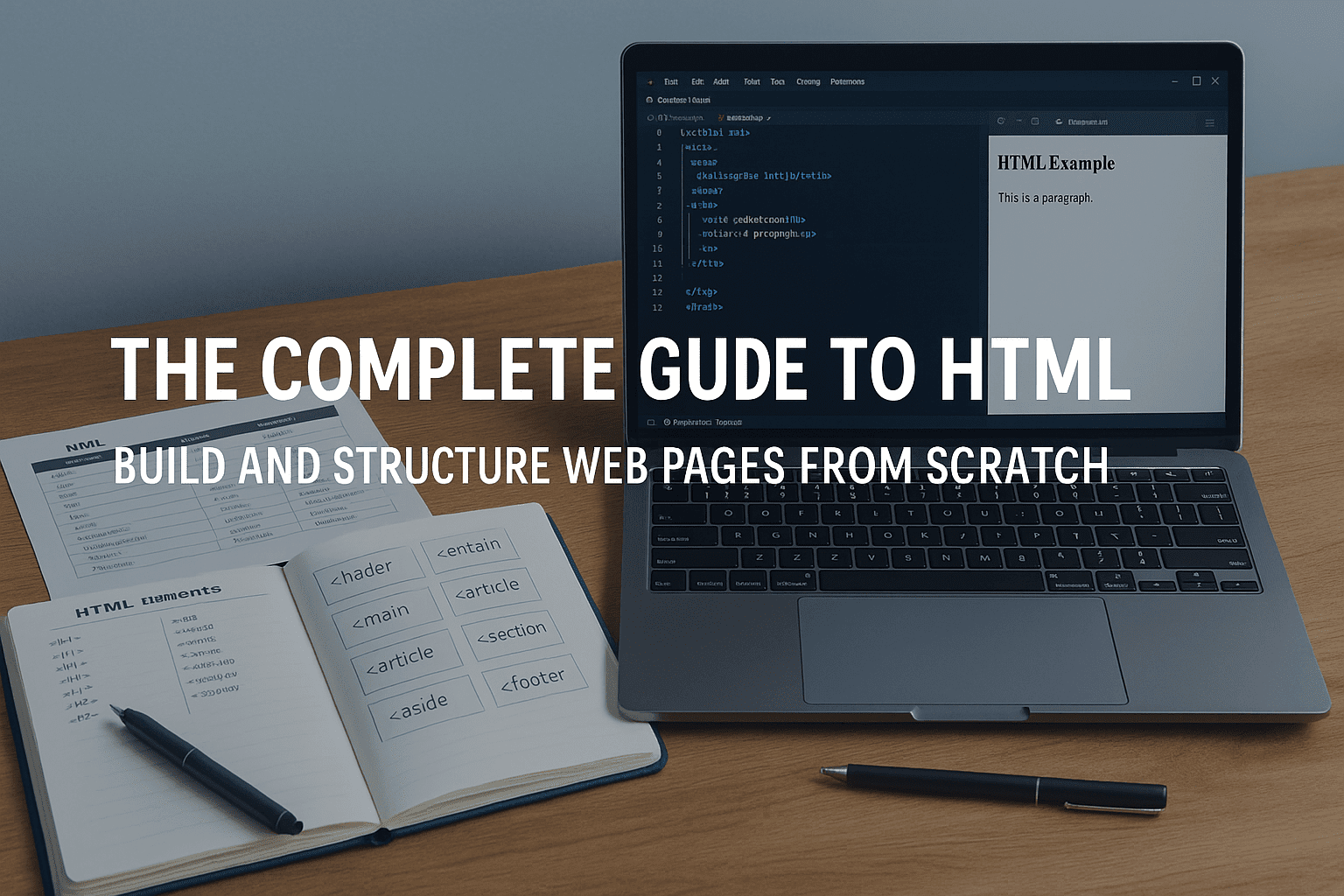
HTML Complete Guide is a comprehensive, beginner-friendly pathway that teaches you how to structure, build and understand web pages from the ground up. Designed for learners with no coding background, this course focuses on clarity, practical skills and real-world application. Instead of overwhelming you with jargon, it introduces HTML in a simple, logical progression—helping you understand why each element matters and how professional developers structure content online.
You’ll begin by exploring how the web works, what role HTML plays alongside CSS and JavaScript, and how modern development tools—such as Visual Studio Code and browser inspectors—support your workflow. From there, you’ll gradually build comfort writing clean, semantic code by hand, reinforcing concepts through practical examples and guided exercises.
The course covers everything from text formatting and headings to links, images, tables, forms and semantic HTML. Each topic is broken down into easy-to-follow lessons that show you not only how to write the markup, but also how it appears in the browser, how it affects accessibility and why correct structure matters for both users and search engines. By learning best practices from the start, you will develop habits that set you apart as a careful, detail-driven creator.
Throughout the course, you will practise building your own documents, experimenting with tags, structuring content logically and using the Inspector tool to troubleshoot and refine your pages. The skills gained here form the backbone of all web development work and prepare you for deeper learning in CSS, JavaScript and responsive design.
Upon finishing the course, you’ll receive a free course completion certificate, with premium certificates and official transcripts available for purchase if you require formal documentation. Learners also benefit from 5-star rated support, available 24/7 via email, ensuring you have reliable help throughout your learning journey.
Who is this course for?
HTML Complete Guide is a comprehensive, beginner-friendly pathway that teaches you how to structure, build and understand web pages from the ground up. Designed for learners with no coding background, this course focuses on clarity, practical skills and real-world application. Instead of overwhelming you with jargon, it introduces HTML in a simple, logical progression—helping you understand why each element matters and how professional developers structure content online.
You’ll begin by exploring how the web works, what role HTML plays alongside CSS and JavaScript, and how modern development tools—such as Visual Studio Code and browser inspectors—support your workflow. From there, you’ll gradually build comfort writing clean, semantic code by hand, reinforcing concepts through practical examples and guided exercises.
The course covers everything from text formatting and headings to links, images, tables, forms and semantic HTML. Each topic is broken down into easy-to-follow lessons that show you not only how to write the markup, but also how it appears in the browser, how it affects accessibility and why correct structure matters for both users and search engines. By learning best practices from the start, you will develop habits that set you apart as a careful, detail-driven creator.
Throughout the course, you will practise building your own documents, experimenting with tags, structuring content logically and using the Inspector tool to troubleshoot and refine your pages. The skills gained here form the backbone of all web development work and prepare you for deeper learning in CSS, JavaScript and responsive design.
Upon finishing the course, you’ll receive a free course completion certificate, with premium certificates and official transcripts available for purchase if you require formal documentation. Learners also benefit from 5-star rated support, available 24/7 via email, ensuring you have reliable help throughout your learning journey.
Requirements
HTML Complete Guide is a comprehensive, beginner-friendly pathway that teaches you how to structure, build and understand web pages from the ground up. Designed for learners with no coding background, this course focuses on clarity, practical skills and real-world application. Instead of overwhelming you with jargon, it introduces HTML in a simple, logical progression—helping you understand why each element matters and how professional developers structure content online.
You’ll begin by exploring how the web works, what role HTML plays alongside CSS and JavaScript, and how modern development tools—such as Visual Studio Code and browser inspectors—support your workflow. From there, you’ll gradually build comfort writing clean, semantic code by hand, reinforcing concepts through practical examples and guided exercises.
The course covers everything from text formatting and headings to links, images, tables, forms and semantic HTML. Each topic is broken down into easy-to-follow lessons that show you not only how to write the markup, but also how it appears in the browser, how it affects accessibility and why correct structure matters for both users and search engines. By learning best practices from the start, you will develop habits that set you apart as a careful, detail-driven creator.
Throughout the course, you will practise building your own documents, experimenting with tags, structuring content logically and using the Inspector tool to troubleshoot and refine your pages. The skills gained here form the backbone of all web development work and prepare you for deeper learning in CSS, JavaScript and responsive design.
Upon finishing the course, you’ll receive a free course completion certificate, with premium certificates and official transcripts available for purchase if you require formal documentation. Learners also benefit from 5-star rated support, available 24/7 via email, ensuring you have reliable help throughout your learning journey.
Career path
HTML Complete Guide is a comprehensive, beginner-friendly pathway that teaches you how to structure, build and understand web pages from the ground up. Designed for learners with no coding background, this course focuses on clarity, practical skills and real-world application. Instead of overwhelming you with jargon, it introduces HTML in a simple, logical progression—helping you understand why each element matters and how professional developers structure content online.
You’ll begin by exploring how the web works, what role HTML plays alongside CSS and JavaScript, and how modern development tools—such as Visual Studio Code and browser inspectors—support your workflow. From there, you’ll gradually build comfort writing clean, semantic code by hand, reinforcing concepts through practical examples and guided exercises.
The course covers everything from text formatting and headings to links, images, tables, forms and semantic HTML. Each topic is broken down into easy-to-follow lessons that show you not only how to write the markup, but also how it appears in the browser, how it affects accessibility and why correct structure matters for both users and search engines. By learning best practices from the start, you will develop habits that set you apart as a careful, detail-driven creator.
Throughout the course, you will practise building your own documents, experimenting with tags, structuring content logically and using the Inspector tool to troubleshoot and refine your pages. The skills gained here form the backbone of all web development work and prepare you for deeper learning in CSS, JavaScript and responsive design.
Upon finishing the course, you’ll receive a free course completion certificate, with premium certificates and official transcripts available for purchase if you require formal documentation. Learners also benefit from 5-star rated support, available 24/7 via email, ensuring you have reliable help throughout your learning journey.
-
- Whirlwind Tour of the Web 00:10:00
- Comparing the Roles of HTML, CSS, and JavaScript 00:10:00
- Installing the Course Tools 00:10:00
- A Closer Look at Visual Studio Code (VS Code) 00:10:00
-
- What Is HTML 00:10:00
- Understanding the HTML Workflow 00:10:00
- Creating Your First Element – the Paragraph 00:10:00
- Exploring the Chrome Inspector 00:10:00
- Heading Elements 00:10:00
- VS Code Tip – Autocomplete 00:10:00
- Creating HTML Comments 00:10:00
- Using Mozilla Developer Network (MDN) 00:10:00
- Proper Document Structure 00:10:00
- HTML Basics Exercise 00:10:00
- The strong Element 00:10:00
- The b (Bring Attention To) Element 00:10:00
- The em (Emphasis) Element 00:10:00
- The i (Idiomatic Text) Element 00:10:00
- Nesting Elements Correctly 00:00:00
- Superscript and Subscript 00:10:00
- Creating Lists 00:10:00
- Nesting Lists 00:10:00
- Inline vs Block Elements 00:10:00
- Text Elements Exercise 00:10:00
- Introducing HTML Tables 00:10:00
- Using table or tr and td 00:10:00
- Creating Table Headers 00:10:00
- Structuring Tables with 00:10:00
- Adding Captions to Tables 00:10:00
- Using colspan and rowspan 00:10:00
- Tables Exercise 00:10:00
- Creating Text Areas 00:10:00
- Working with Checkboxes 00:10:00
- The Range (Slider) Input 00:10:00
- Making Dropdowns with select and option 00:10:00
- Creating Radio Button Groups 00:10:00
- Other Input Types 00:10:00
- The disabled Attribute 00:10:00
- Fieldsets and Legends 00:10:00
- More Forms Exercise 00:10:00
- Exam of The Complete Guide to HTML: Build and Structure Web Pages from Scratch 00:50:00

No Reviews found for this course.
Is this certificate recognized?
Yes, our premium certificate and transcript are widely recognized and accepted by embassies worldwide, particularly by the UK embassy. This adds credibility to your qualification and enhances its value for professional and academic purposes.
I am a beginner. Is this course suitable for me?
Yes, this course is designed for learners of all levels, including beginners. The content is structured to provide step-by-step guidance, ensuring that even those with no prior experience can follow along and gain valuable knowledge.
I am a professional. Is this course suitable for me?
Yes, professionals will also benefit from this course. It covers advanced concepts, practical applications, and industry insights that can help enhance existing skills and knowledge. Whether you are looking to refine your expertise or expand your qualifications, this course provides valuable learning.
Does this course have an expiry date?
No, you have lifetime access to the course. Once enrolled, you can revisit the materials at any time as long as the course remains available. Additionally, we regularly update our content to ensure it stays relevant and up to date.
How do I claim my free certificate?
I trust you’re in good health. Your free certificate can be located in the Achievement section. The option to purchase a CPD certificate is available but entirely optional, and you may choose to skip it. Please be aware that it’s crucial to click the “Complete” button to ensure the certificate is generated, as this process is entirely automated.
Does this course have assessments and assignments?
Yes, the course includes both assessments and assignments. Your final marks will be determined by a combination of 20% from assignments and 80% from assessments. These evaluations are designed to test your understanding and ensure you have grasped the key concepts effectively.
Is this course accredited?
We are a recognized course provider with CPD, UKRLP, and AOHT membership. The logos of these accreditation bodies will be featured on your premium certificate and transcript, ensuring credibility and professional recognition.
Will I receive a certificate upon completion?
Yes, you will receive a free digital certificate automatically once you complete the course. If you would like a premium CPD-accredited certificate, either in digital or physical format, you can upgrade for a small fee.
Course Features
Price
Study Method
Online | Self-paced
Course Format
Reading Material - PDF, article
Duration
11 hours, 5 minutes
Qualification
No formal qualification
Certificate
At completion
Additional info
Coming soon
- Share

Upwork Success Blueprint: Proposal Writing & Profile Optimization A to Z
Course Line237£490.00Original price was: £490.00.£14.99Current price is: £14.99.Lean Six Sigma Project Management
Course Line248£490.00Original price was: £490.00.£14.99Current price is: £14.99.



Related Courses
Microsoft Excel for Business: Beginner to Advanced Data Analysis
£490.00Original price was: £490.00.£14.99Current price is: £14.99.237Financial Modelling in Excel: Build Forecasting & Budget Models
£490.00Original price was: £490.00.£14.99Current price is: £14.99.237Professional Proofreading & Editing Skills: Grammar, Style & Error-Free Writing
£490.00Original price was: £490.00.£14.99Current price is: £14.99.237




Related Courses
Microsoft Excel for Business: Beginner to Advanced Data Analysis
£490.00Original price was: £490.00.£14.99Current price is: £14.99.237Financial Modelling in Excel: Build Forecasting & Budget Models
£490.00Original price was: £490.00.£14.99Current price is: £14.99.237Professional Proofreading & Editing Skills: Grammar, Style & Error-Free Writing
£490.00Original price was: £490.00.£14.99Current price is: £14.99.237

