
Course Features
Price
Study Method
Online | Self-paced
Course Format
Reading Material - PDF, article
Duration
10 hours, 55 minutes
Qualification
No formal qualification
Certificate
At completion
Additional info
Coming soon
- Share
Overview
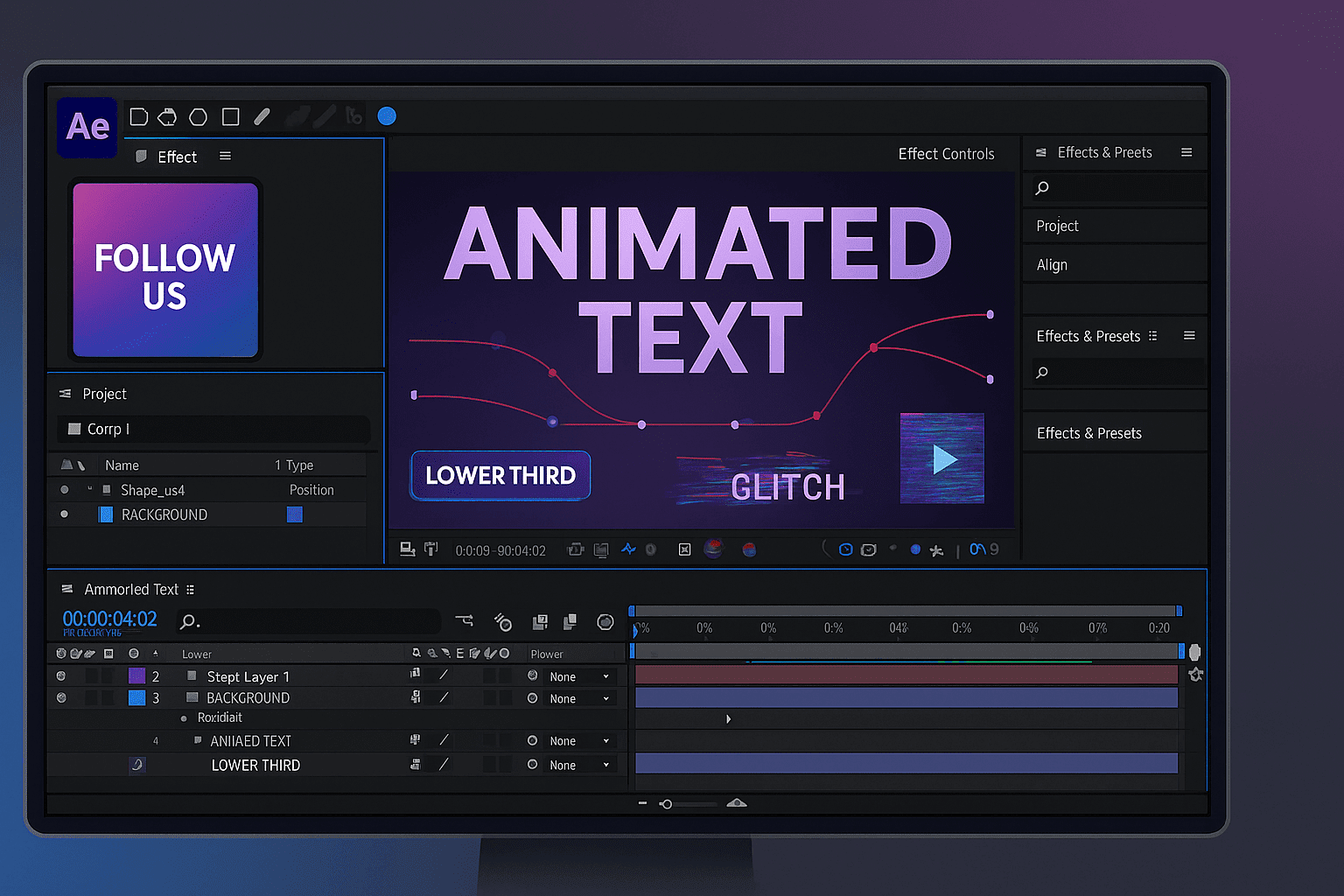
After Effects Crash Course is designed to help creatives quickly gain confidence in motion design, animation, and social-media video production without feeling overwhelmed by complex tools. This course takes a practical, project-driven approach, allowing you to understand not only how Adobe After Effects works, but how to use it creatively and efficiently for real-world content.
You will start by learning the essential theory behind motion video, including resolution, frame rates, playback, and storyboarding. This foundation ensures that every animation you create looks professional and performs well across platforms. From there, the course moves into hands-on training, covering timelines, compositions, keyframes, easing, and animation control so you can create smooth, visually appealing motion.
As your skills develop, you will explore creative applications such as animated text, shapes, lower thirds, blending modes, and modern animation principles. Advanced techniques—including masks, track mattes, 3D space, expressions, and glitch effects—are introduced in a clear, beginner-friendly way. These skills are reinforced through guided projects focused on social-media formats like Instagram stories, video ads, rhythmic typography, screen-capture presentations, and animated posters.
A strong emphasis is placed on practical outcomes. By completing multiple projects, you build confidence, speed, and a creative workflow that can be reused for client work, personal branding, or content creation. The course also includes audio basics for social media, helping your visuals and sound work together for greater impact.
Upon successful completion, learners receive a free course completion certificate. Those who require formal recognition can choose from multiple premium certificate and transcript options, available for purchase. Students also benefit from 5-star rated support available 24/7 via email, ensuring guidance whenever needed.
Who is this course for?
After Effects Crash Course is designed to help creatives quickly gain confidence in motion design, animation, and social-media video production without feeling overwhelmed by complex tools. This course takes a practical, project-driven approach, allowing you to understand not only how Adobe After Effects works, but how to use it creatively and efficiently for real-world content.
You will start by learning the essential theory behind motion video, including resolution, frame rates, playback, and storyboarding. This foundation ensures that every animation you create looks professional and performs well across platforms. From there, the course moves into hands-on training, covering timelines, compositions, keyframes, easing, and animation control so you can create smooth, visually appealing motion.
As your skills develop, you will explore creative applications such as animated text, shapes, lower thirds, blending modes, and modern animation principles. Advanced techniques—including masks, track mattes, 3D space, expressions, and glitch effects—are introduced in a clear, beginner-friendly way. These skills are reinforced through guided projects focused on social-media formats like Instagram stories, video ads, rhythmic typography, screen-capture presentations, and animated posters.
A strong emphasis is placed on practical outcomes. By completing multiple projects, you build confidence, speed, and a creative workflow that can be reused for client work, personal branding, or content creation. The course also includes audio basics for social media, helping your visuals and sound work together for greater impact.
Upon successful completion, learners receive a free course completion certificate. Those who require formal recognition can choose from multiple premium certificate and transcript options, available for purchase. Students also benefit from 5-star rated support available 24/7 via email, ensuring guidance whenever needed.
Requirements
After Effects Crash Course is designed to help creatives quickly gain confidence in motion design, animation, and social-media video production without feeling overwhelmed by complex tools. This course takes a practical, project-driven approach, allowing you to understand not only how Adobe After Effects works, but how to use it creatively and efficiently for real-world content.
You will start by learning the essential theory behind motion video, including resolution, frame rates, playback, and storyboarding. This foundation ensures that every animation you create looks professional and performs well across platforms. From there, the course moves into hands-on training, covering timelines, compositions, keyframes, easing, and animation control so you can create smooth, visually appealing motion.
As your skills develop, you will explore creative applications such as animated text, shapes, lower thirds, blending modes, and modern animation principles. Advanced techniques—including masks, track mattes, 3D space, expressions, and glitch effects—are introduced in a clear, beginner-friendly way. These skills are reinforced through guided projects focused on social-media formats like Instagram stories, video ads, rhythmic typography, screen-capture presentations, and animated posters.
A strong emphasis is placed on practical outcomes. By completing multiple projects, you build confidence, speed, and a creative workflow that can be reused for client work, personal branding, or content creation. The course also includes audio basics for social media, helping your visuals and sound work together for greater impact.
Upon successful completion, learners receive a free course completion certificate. Those who require formal recognition can choose from multiple premium certificate and transcript options, available for purchase. Students also benefit from 5-star rated support available 24/7 via email, ensuring guidance whenever needed.
Career path
After Effects Crash Course is designed to help creatives quickly gain confidence in motion design, animation, and social-media video production without feeling overwhelmed by complex tools. This course takes a practical, project-driven approach, allowing you to understand not only how Adobe After Effects works, but how to use it creatively and efficiently for real-world content.
You will start by learning the essential theory behind motion video, including resolution, frame rates, playback, and storyboarding. This foundation ensures that every animation you create looks professional and performs well across platforms. From there, the course moves into hands-on training, covering timelines, compositions, keyframes, easing, and animation control so you can create smooth, visually appealing motion.
As your skills develop, you will explore creative applications such as animated text, shapes, lower thirds, blending modes, and modern animation principles. Advanced techniques—including masks, track mattes, 3D space, expressions, and glitch effects—are introduced in a clear, beginner-friendly way. These skills are reinforced through guided projects focused on social-media formats like Instagram stories, video ads, rhythmic typography, screen-capture presentations, and animated posters.
A strong emphasis is placed on practical outcomes. By completing multiple projects, you build confidence, speed, and a creative workflow that can be reused for client work, personal branding, or content creation. The course also includes audio basics for social media, helping your visuals and sound work together for greater impact.
Upon successful completion, learners receive a free course completion certificate. Those who require formal recognition can choose from multiple premium certificate and transcript options, available for purchase. Students also benefit from 5-star rated support available 24/7 via email, ensuring guidance whenever needed.
-
- Course Preview 00:10:00
- Course Guide and Resources 00:10:00
- Introduction to Motion Video 00:10:00
- Video Size and Resolution 00:10:00
- Frame Rate & Playback Basics 00:10:00
- Storyboarding for Motion Design 00:10:00
-
- The Three Key Components of Effective Ads 00:10:00
- Understanding the Timeline 00:10:00
- Composition Basics 00:10:00
- Keyframes and Animation Control 00:10:00
- Easy Ease and the Speed Graph 00:10:00
- Understanding Animation Speed & Motion Principles 00:10:00
- Compositions in Greater Detail 00:10:00
- Track Mattes 00:10:00
- Masks 00:10:00
- Camera Basics & 3D Space 00:10:00
- The Null Object 00:10:00
- Null Objects (Updated Version) 00:10:00
- Expressions – Wiggle and Time 00:10:00
- A Few of My Favourite Effects 00:10:00
- Make a CRAZY Glitch Techniques 00:10:00
- Building Rhythmic Typography Video 00:10:00
- Project Overview and Planning 00:10:00
- The Master Design Plan 00:10:00
- Designing and Animating Trim Paths Part 1 00:10:00
- Designing and Animating Trim Paths Part 2 00:10:00
- Animating Images 00:10:00
- Lets Talk About Text Baby 00:10:00
- Shake That Button 00:10:00
- Adding Textures and Render Settings 00:10:00
- Introduction to Audio for Video 00:10:00
- Sound in Social Media Ads 00:10:00
- Types of Audio Used in Video 00:10:00
- Finding Royalty-Free Audio and Video Assets 00:10:00
- Audio for Social Media Project Time 00:10:00
- Recording Gear & Voice Setup 00:10:00
- The Layout & Voice Setup 00:10:00
- Disk Cache Management for Smooth Playback 00:10:00
- Exam of Learn Adobe After Effects with a Crash Course for Creatives 00:50:00

No Reviews found for this course.
Is this certificate recognized?
Yes, our premium certificate and transcript are widely recognized and accepted by embassies worldwide, particularly by the UK embassy. This adds credibility to your qualification and enhances its value for professional and academic purposes.
I am a beginner. Is this course suitable for me?
Yes, this course is designed for learners of all levels, including beginners. The content is structured to provide step-by-step guidance, ensuring that even those with no prior experience can follow along and gain valuable knowledge.
I am a professional. Is this course suitable for me?
Yes, professionals will also benefit from this course. It covers advanced concepts, practical applications, and industry insights that can help enhance existing skills and knowledge. Whether you are looking to refine your expertise or expand your qualifications, this course provides valuable learning.
Does this course have an expiry date?
No, you have lifetime access to the course. Once enrolled, you can revisit the materials at any time as long as the course remains available. Additionally, we regularly update our content to ensure it stays relevant and up to date.
How do I claim my free certificate?
I trust you’re in good health. Your free certificate can be located in the Achievement section. The option to purchase a CPD certificate is available but entirely optional, and you may choose to skip it. Please be aware that it’s crucial to click the “Complete” button to ensure the certificate is generated, as this process is entirely automated.
Does this course have assessments and assignments?
Yes, the course includes both assessments and assignments. Your final marks will be determined by a combination of 20% from assignments and 80% from assessments. These evaluations are designed to test your understanding and ensure you have grasped the key concepts effectively.
Is this course accredited?
We are a recognized course provider with CPD, UKRLP, and AOHT membership. The logos of these accreditation bodies will be featured on your premium certificate and transcript, ensuring credibility and professional recognition.
Will I receive a certificate upon completion?
Yes, you will receive a free digital certificate automatically once you complete the course. If you would like a premium CPD-accredited certificate, either in digital or physical format, you can upgrade for a small fee.
Course Features
Price
Study Method
Online | Self-paced
Course Format
Reading Material - PDF, article
Duration
10 hours, 55 minutes
Qualification
No formal qualification
Certificate
At completion
Additional info
Coming soon
- Share

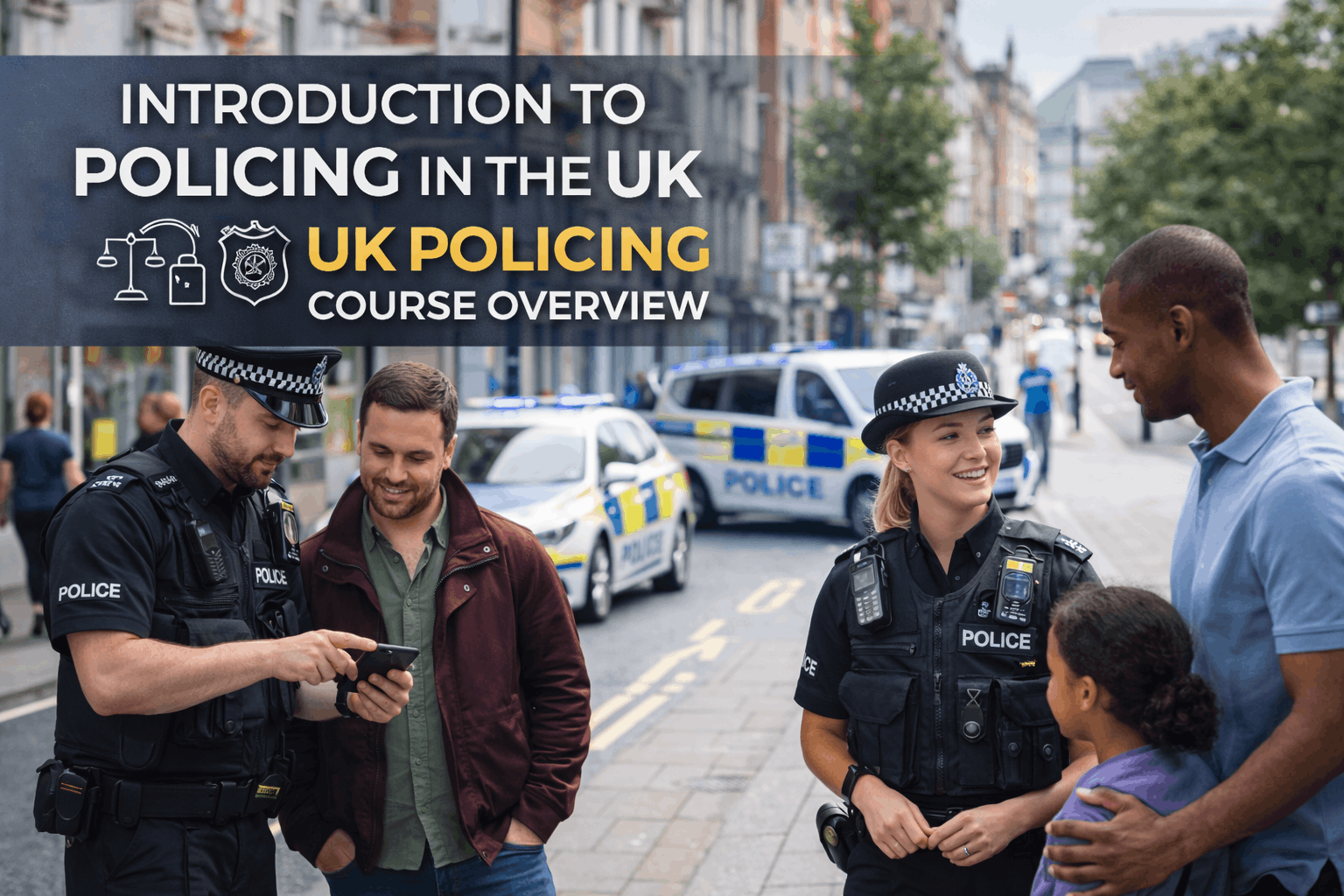
Introduction to Policing in the UK: A Comprehensive Overview
Course Line268£490.00Original price was: £490.00.£14.99Current price is: £14.99.Quality Assurance Level 3 Advanced Diploma
Course Line239£490.00Original price was: £490.00.£14.99Current price is: £14.99.RQF Level 3 Certificate in Health and Social Care Support
Course Line238£490.00Original price was: £490.00.£14.99Current price is: £14.99.


Related Courses
Microsoft Excel for Business: Beginner to Advanced Data Analysis
£490.00Original price was: £490.00.£14.99Current price is: £14.99.237Financial Modelling in Excel: Build Forecasting & Budget Models
£490.00Original price was: £490.00.£14.99Current price is: £14.99.237Professional Proofreading & Editing Skills: Grammar, Style & Error-Free Writing
£490.00Original price was: £490.00.£14.99Current price is: £14.99.237




Related Courses
Microsoft Excel for Business: Beginner to Advanced Data Analysis
£490.00Original price was: £490.00.£14.99Current price is: £14.99.237Financial Modelling in Excel: Build Forecasting & Budget Models
£490.00Original price was: £490.00.£14.99Current price is: £14.99.237Professional Proofreading & Editing Skills: Grammar, Style & Error-Free Writing
£490.00Original price was: £490.00.£14.99Current price is: £14.99.237

